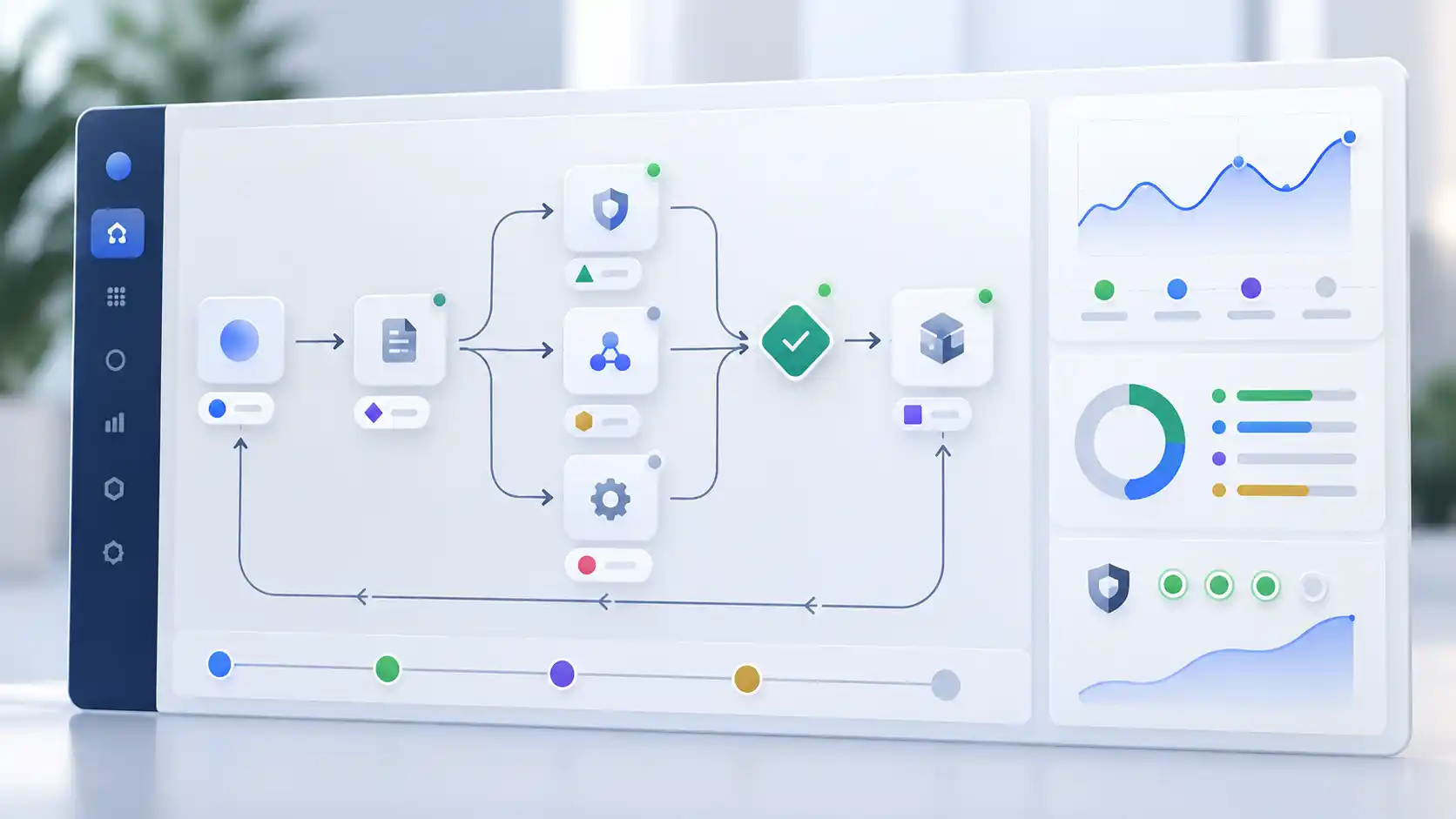
An AI assistant might handle a set of test questions well, then struggle with a customer complaint that falls outside the usual script. Its answer may sound convincing while missing a detail that changes what your team should do next.
That gap between a successful test and useful everyday performance is where business context matters.
AI governance gives people a way to decide what a system can do, who is responsible for it and how problems will be handled. For that process to work, it needs to reflect the workflow around the technology: the people using it, the information it can access and the consequences of getting something wrong.
What Is Contextual AI Governance?
Contextual AI governance means managing an AI system according to its business purpose, users, data and potential impact. It connects the rules for using AI to the circumstances in which people actually use it.
Consider two tools built on the same model. One summarizes routine internal meetings. The other recommends pricing changes. Their underlying technology may be similar, but a mistake carries different consequences in each setting. Their controls should reflect that difference.
A useful governance process answers a few straightforward questions:
- What is this system approved to do?
- Who uses it, and who is affected by its output?
- Who is accountable when something goes wrong?
- Where does a person need to review or approve the result?
- How will the team know whether it still works as intended?
How Governance Relates to AI Ethics
AI ethics addresses principles such as fairness, privacy, transparency and accountability. Governance gives those principles a place in daily work through assigned responsibilities, testing, approval rules and incident handling.
For example, a commitment to accountability becomes more useful when employees know exactly who can investigate a poor result and authorize a fix.
Why Business Context Changes AI Risk
Risk depends on what an AI system does and what happens to its output. A writing assistant takes on different responsibilities when its drafts involve customer records, financial information, hiring decisions or public statements.
Approved use can also shift quietly after launch. Employees might begin using an internal summarization tool to draft customer responses, or turn a sales research assistant into part of their lead-scoring process. Each change deserves a review of the original boundaries.
Keep three groups visible: the people operating the tool, the people affected by its results and the owners responsible for it. A support assistant, for example, may be used by agents, affect customers and sit under support leadership, with a technical team maintaining it.
Data access and integrations matter, too. Can the system read customer histories? Update an order? Trigger an action without approval? Follow the output to its destination and ask what a wrong answer could cause there. That consequence helps determine how much control the workflow needs.
Build the Foundation of Your AI Governance Framework
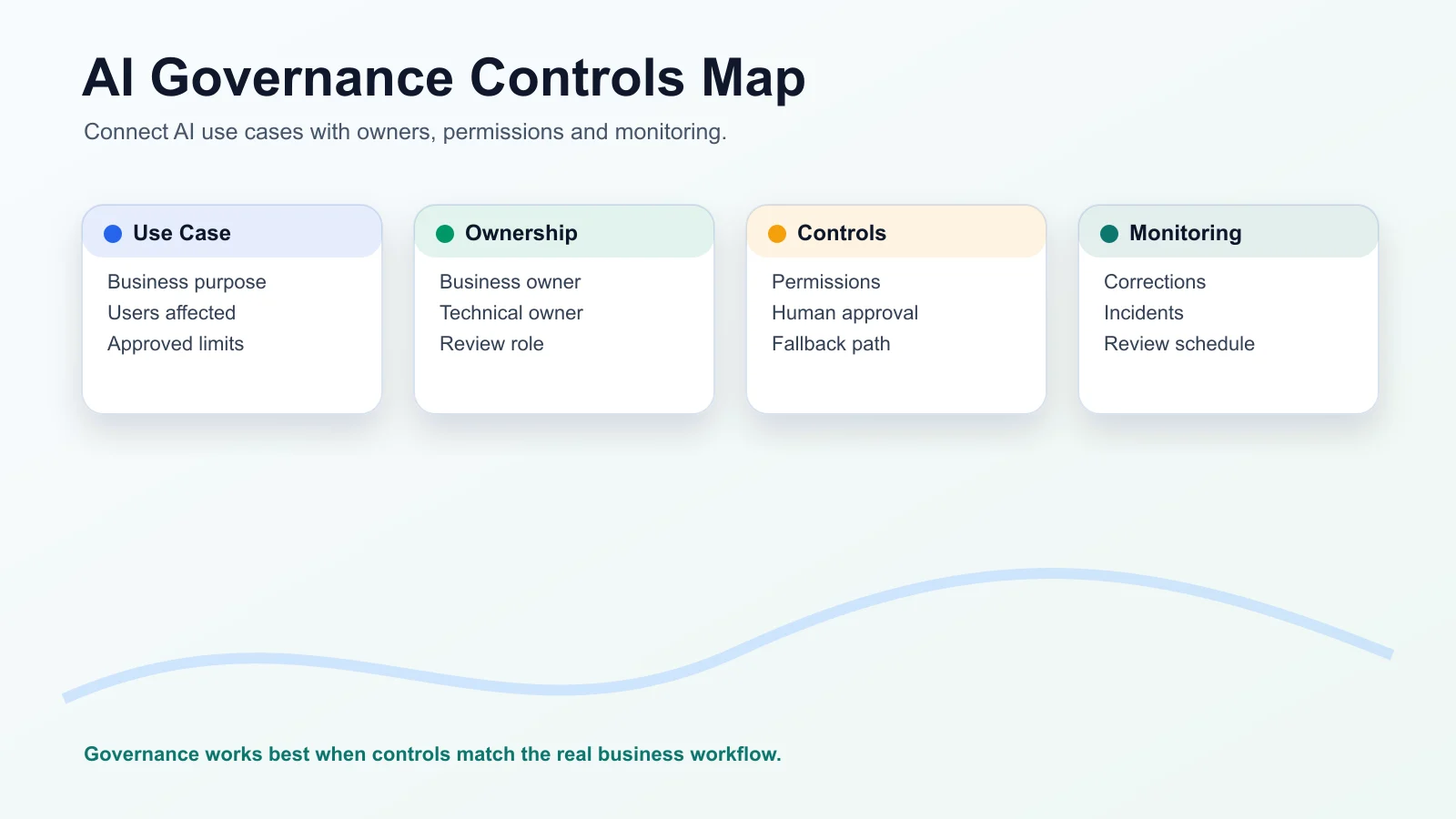
Start with an inventory of the AI tools, features and automations already in use, including tools purchased from outside vendors. Record each system's purpose, business and technical owners, users, data sources, integrations, risk tier, status and next review date.
The inventory gives your team a shared view of where AI is being used and which systems need attention first.
Give Owners Clear Responsibilities
The business owner decides whether the tool fits the task and is responsible for its business impact. The technical owner handles implementation, integrations, monitoring and technical changes. Where needed, assign a reviewer to check output quality and manage escalations.
Small teams may combine these roles, but the responsibilities still need to be explicit.
Set Boundaries and Risk Tiers
Write down approved and prohibited uses. An internal assistant might be allowed to find policy documents and draft notes, while requiring approval before sending customer messages and excluding sensitive personal data from its inputs.
Use risk tiers to scale the review effort. As a starting point:
- Low risk: routine internal assistance with limited consequences if it fails.
- Medium risk: customer-facing or operational support with meaningful human review.
- High risk: sensitive information, consequential decisions or automated actions.
These categories need judgment. An internal tool can still be high risk if it exposes confidential information. Base the classification on likely impact, including the limits of any human oversight.
Map the Workflow Before Choosing Controls
Walk through the task from its starting event to its final outcome. Identify the prompts, files, forms or records entering the system; the text, classifications or recommendations coming out; and every connected system along the way.
Then mark the points where someone reviews a result, approves an action or handles an exception. Record what evidence the team needs to retain and how users should proceed when an answer is unreliable or incomplete.
Human approval belongs where it can prevent a meaningful problem. A support agent might check a drafted reply before sending it. A manager might review a recommendation about a key account. Automated ticket classification may need monitoring and clear escalation rules.
Reviewers also need enough information and authority to question the output. An approval step achieves little if the person cannot check the underlying facts.
Include a fallback workflow, an escalation owner and a way to report incidents. Name who can temporarily disable the system and what review is needed before it resumes after a serious issue. Users should know these steps before they need them.
Measure Accuracy Against Real Business Work
A benchmark can help you compare models, but it cannot tell you whether a tool understands your policies, product names or approval rules. Business-specific contextual accuracy asks whether the output is correct, useful and appropriate for the task at hand.
Build Tests From Representative Examples
Use examples that reflect the work the system will handle: support tickets, sales notes, internal documents, product questions or audit samples. Include routine requests and difficult cases, such as missing information, conflicting documents and situations that require escalation.
For each case, define the expected result or the criteria a good response must meet. Record the reviewer's reasoning, especially where several answers could be acceptable.
A support response, for instance, may need to state the policy correctly, address the customer's actual question and avoid making an unauthorized promise. Checking factual correctness alone would miss part of the job.
Look Beyond a Single Accuracy Score
Track how often users correct outputs, how frequently important context is missed and whether technically correct answers are useful. Review escalation patterns and the extra work needed to check or repair results.
Interpret those measures together. A rise in escalations might signal poor performance, or it might show that the system is correctly handing difficult cases to a person. Review examples before deciding which explanation fits.
Finally, test the complete workflow. An answer that looks good in isolation can still arrive too late, use information the user should not access or trigger the wrong downstream action. The test should reach the final business outcome.
Make Transparency Useful to People
People need a clear explanation of AI's role, its limits and how to reach someone who can help. Keep that explanation close to the point where they interact with the system or rely on its output.
For a customer-facing assistant, explain that AI is involved and make the route to human support easy to find. For an internal knowledge tool, tell employees which approved documents it uses and when an answer needs verification.
When AI influences a decision affecting a customer or employee, provide a way to request human review or challenge an apparent mistake. The person reviewing it should be able to examine the relevant information and respond meaningfully.
This feedback also gives your team evidence about confusing answers, missing context and problems that routine testing may have missed.
Monitor AI Systems After Launch
Launch testing gives you a starting point. Continued monitoring helps you see whether performance holds up as the model, data, workflow and users change.
Agree on a review schedule and the events that require an earlier check. These may include:
- A change to the model, prompts or source documents.
- New integrations, permissions or automated actions.
- Use by a new team, market or customer group.
- Repeated errors, complaints or unexpected behavior.
- Changes to a vendor's terms, data retention or handling practices.
A tool approved for internal product support needs another assessment before it becomes a customer support channel. The same applies when a system begins accessing information or taking actions outside its original scope.
Set Actionable Thresholds
Decide which signals require investigation and which require the system to pause. These might include a correction rate above an agreed limit, recurring invented answers, privacy incidents, biased outputs or delays affecting the workflow.
Assign someone to respond to each alert. Record what happened, what was changed and whether the issue was resolved.
For third-party tools, include periodic checks of data retention, use of business data for model training, access controls and audit logs. Vendor changes may affect whether a tool still fits its approved purpose.
Use Feedback to Improve Governance
Continuous improvement starts with evidence from daily use. Corrections, complaints, incidents and near misses all show where the system or its controls need attention.
A near miss is worth recording even when a reviewer catches the problem before it affects anyone. It can reveal both a weakness in the system and a control that worked.
Use a simple review cycle:
1. Collect the issue and enough context to understand what happened.
2. Find the cause, including any problems with data, instructions, permissions or workflow design.
3. Update the relevant prompt, source material, control, training or process.
4. Retest the affected task and record whether the change helped.
Avoid assuming that every failure comes from the model. An assistant may be answering from an outdated policy, or a reviewer may lack the information needed to spot an error. The cause determines the fix.
Keep a record of significant changes and evaluation results. It gives future reviewers a way to understand why the current controls exist and helps other teams learn from the same problems.
A Manageable Starting Point for Smaller Teams
Smaller businesses can begin with a shared inventory, a short approval record and a consistent review routine. The amount of documentation should match the system's risk and complexity.
To get started:
1. List the AI tools and workflows currently in use.
2. Assign business and technical responsibility for each one.
3. Document approved uses and clear limits.
4. Map the data, users, integrations and resulting actions.
5. Assess the consequences of failure and choose a risk tier.
6. Test representative work and important exceptions.
7. Collect corrections, complaints and incidents after launch.
8. Review on a schedule and after significant changes.
Focus first on systems with sensitive data, customer impact or the ability to take action. Expand the process as you learn which controls your team needs.
Questions to Answer Before Approval
Before a system goes live, its owners should be able to explain:
- What specific business problem does it solve, and how will success be measured?
- Who is accountable for the output and for handling corrections?
- What data can it access, and is that access appropriate for the task?
- What happens if the answer or action is wrong?
- How will the team monitor performance and decide when to change or pause the system?
Unclear answers point to work that needs to happen before launch. They can also expose missing ownership or fallback arrangements while those gaps are still easier to address.
Make Governance Part of Product Development
Build governance into the decisions your team already makes while designing, developing and improving software. Define the use case during planning, test workflow risks before release and give monitoring and incident review a place in ongoing operations.
That makes it easier to revisit an approval when the business changes. A new market, customer group or integration becomes a clear reason to check the system's assumptions and controls.
WebNextify helps businesses design and build AI automation, custom software and connected workflows. Its approach brings workflow design, governance and technical implementation together so teams can evaluate how a system performs in everyday use and improve it over time.