
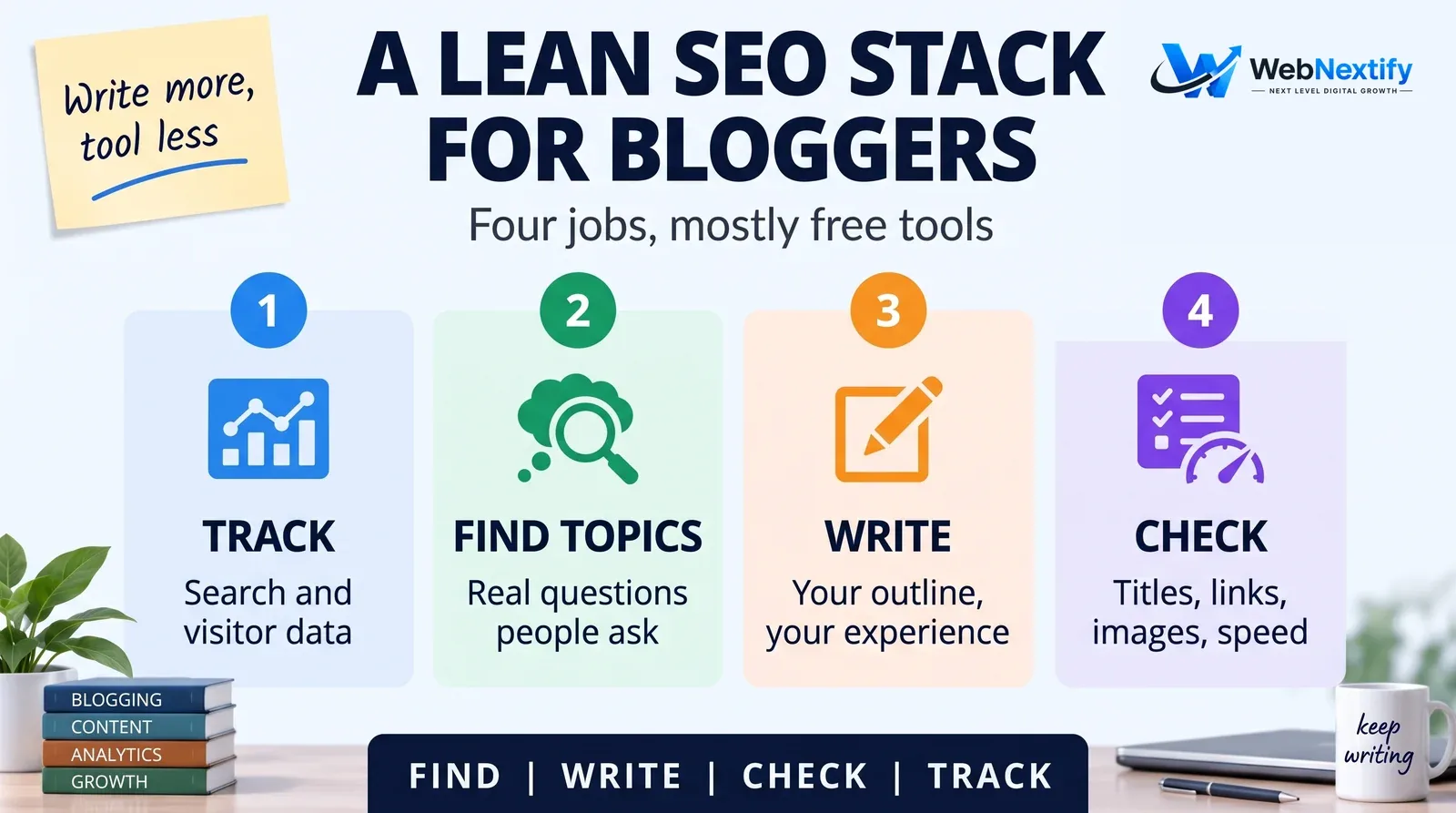
SEO tools for bloggers only have four jobs: finding topics people actually search for, helping you write posts that answer them well, catching the basics before you hit publish, and showing which posts bring readers. Free tools cover nearly all of it. Google Search Console, a source of keyword ideas, your blog platform's own SEO settings and a quick page checker will take most blogs a very long way. Paid tools start to make sense once a blog is big or earning, and mostly for researching competitors.
The common mistake isn't missing a tool. It's spending more hours inside tools than writing. Pick a small stack, use it every week, and add something only when a real question needs answering.
A Lean SEO Stack for Bloggers
| Job | Free option | When to pay |
|---|---|---|
| Track what works | Google Search Console, GA4 | Rarely |
| Find topic ideas | Search Console queries, Google autocomplete, People Also Ask, Google Trends | Competitor keyword research |
| Write and structure | Your editor plus an outline you plan yourself | Content brief tools for teams |
| On-page checks | Your platform's SEO settings or one SEO plugin | Rarely |
| Speed and technical checks | PageSpeed Insights or the free WebNextify SEO Report Generator | Large blogs needing full crawls |
Finding Topics Readers Search For
Start with your own data. Search Console's Performance report shows the queries your posts already appear for, and the ones with plenty of impressions but few clicks are usually your best next post, or your best next update.
Then let Google show you how people phrase things. Autocomplete, the People Also Ask box and related searches at the bottom of the page are free and come straight from real searches. Google Trends helps with timing, for seasonal topics or something suddenly rising. Free keyword tools add rough volumes, and paid ones add competitor data and difficulty scores. Treat every volume number as an estimate; two tools will rarely agree.
SEO Copywriting Tools and AI Writing
SEO copywriting tools run from simple readability checkers to AI assistants and content scoring tools that grade your draft against the pages already ranking. They help, within limits.
They're handy for turning a page of rough notes into an outline, suggesting titles and meta descriptions that fit the character limits, spotting questions your post hasn't answered yet, and tightening sentences that ramble.
Be wary of content scores that reward you for repeating the same terms as the competition. Sounding like what already ranks doesn't make your post more useful. Your own experience, examples and opinions do. Google's spam policies also target using generative AI to produce many pages without adding value, so any AI-drafted post needs real input and real editing before it goes live.
On-Page Checks Before Publishing
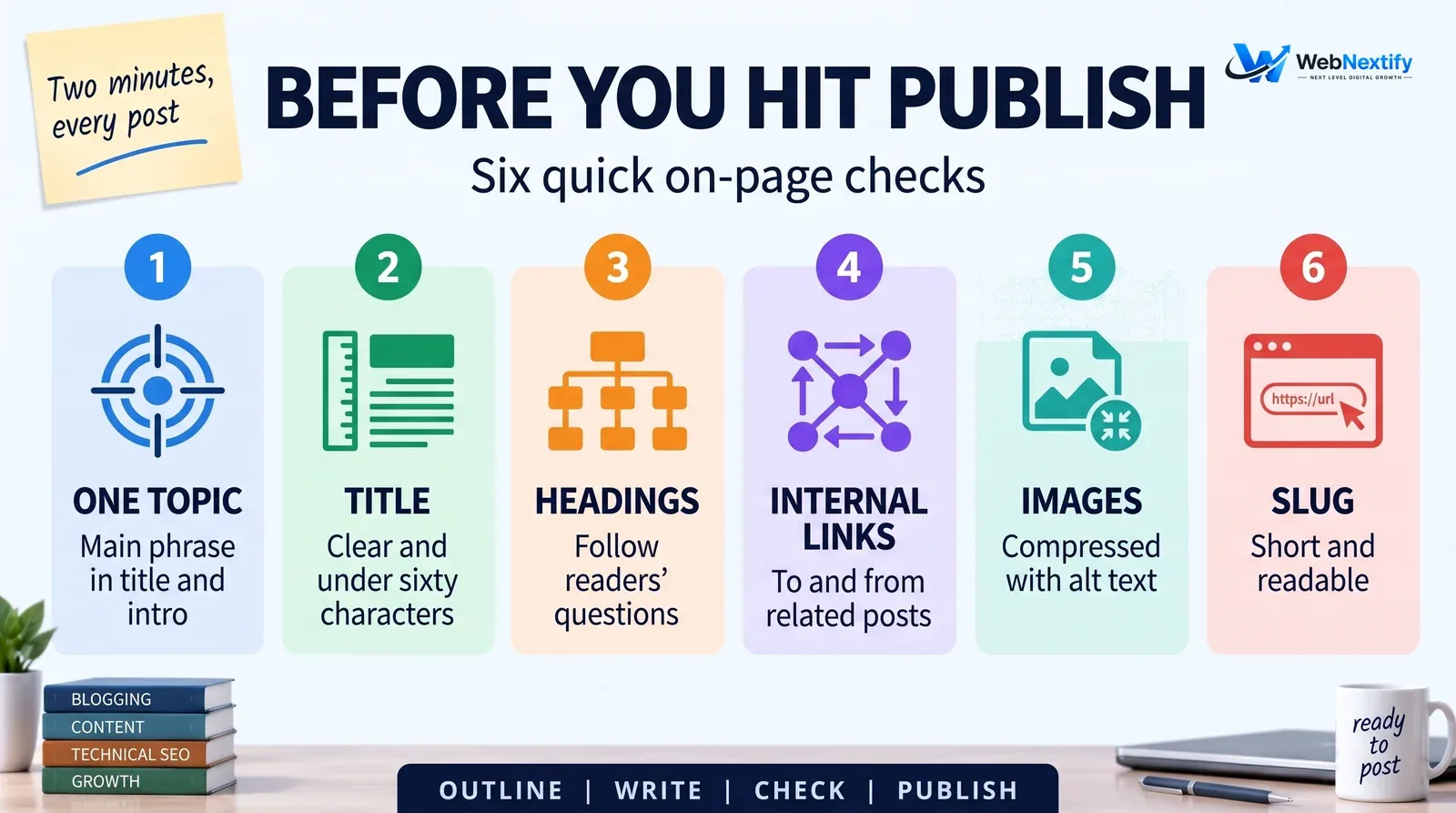
A short checklist covers most posts. Keep one clear topic, with the main phrase in the title and the first paragraph. Write a descriptive title under about 60 characters and a meta description that tells the reader what they'll get. Use headings that follow the questions readers actually ask. Link to related posts, and go back and link to the new post from a couple of older ones. Compress images and give them descriptive alt text. And keep the URL slug short and readable.
Most platforms handle this without extra tools, including WordPress with one SEO plugin, Blogger, Ghost and Squarespace. If you're on WordPress, use one SEO plugin, never two; they'll fight over titles and sitemaps.
Free SEO Tools for YouTube
If you publish video alongside the blog, YouTube Studio's analytics show the search terms people used to find each video and the exact point they stopped watching. YouTube says title, thumbnail and description matter more than tags for discovery. Add chapters, captions and playlists, and link each video to its related post and back again.
Instagram SEO Tools
Instagram search runs on what's in your profile and posts. Put clear keywords in your name field and bio, write captions using the words people actually search, and add alt text to images. Instagram's professional dashboard shows reach and engagement for free. Most third-party "Instagram SEO tools" just generate hashtag and caption ideas, which you can get by searching Instagram yourself.
Instagram posts can now appear in Google, too. Since July 2025, public posts from professional accounts (business and creator) can show up in search engine results unless you switch it off in the privacy settings. That makes a clear first line in every caption worth the effort, because it may be the snippet someone reads in Google.
Tracking What Works
Once a month, open Search Console and look at four things: which posts gained or lost clicks, which posts get plenty of impressions but few clicks (better titles usually help), which posts are sliding off page one, and new queries you haven't written about yet.
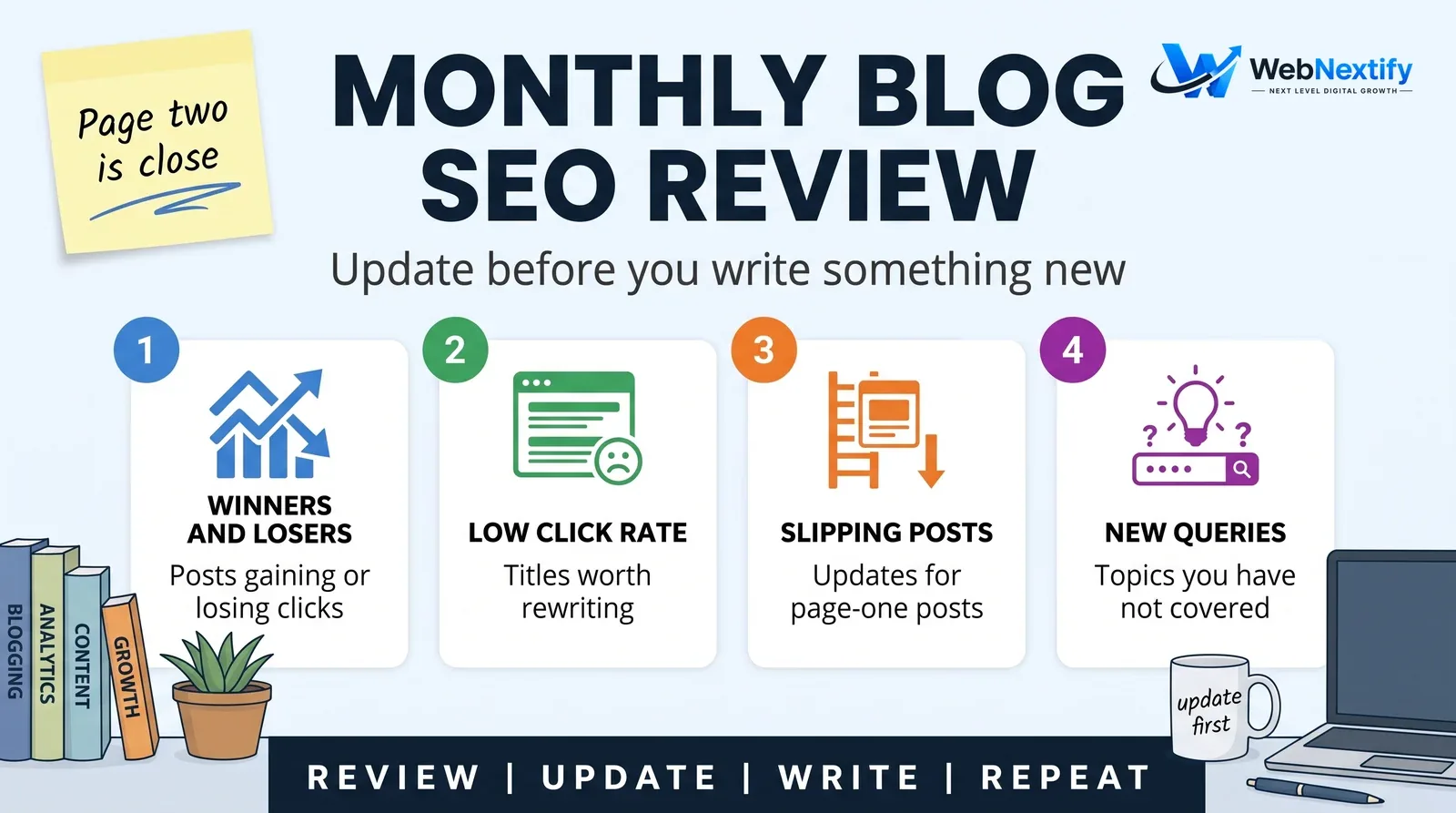
Updating a post that already sits on page two is often faster than writing a brand-new one. When you do, change the substance, not just the date. Add what's new, fix what's out of date, and answer the questions readers asked in the comments or your inbox.
When to Upgrade Your Tools
Pay for blogger SEO tools when the blog earns money and you need competitor keyword research, backlink data or rank tracking across many terms. Until then, showing up every week beats any software.
If you'd like help planning content or fixing technical problems on your blog, see our SEO services.
Frequently Asked Questions
What are the best SEO tools for bloggers?
Are free SEO tools enough for a blog?
Should bloggers use AI SEO copywriting tools?
What are good free SEO tools for YouTube?
Is there SEO for Instagram?
How often should I update old blog posts?
Summary
Keep the toolkit lean: Search Console and GA4 for tracking, Google itself for ideas, your platform's settings for the basics, and AI only as a helper. Spend the time you save writing better posts and refreshing the ones sitting just below page one.