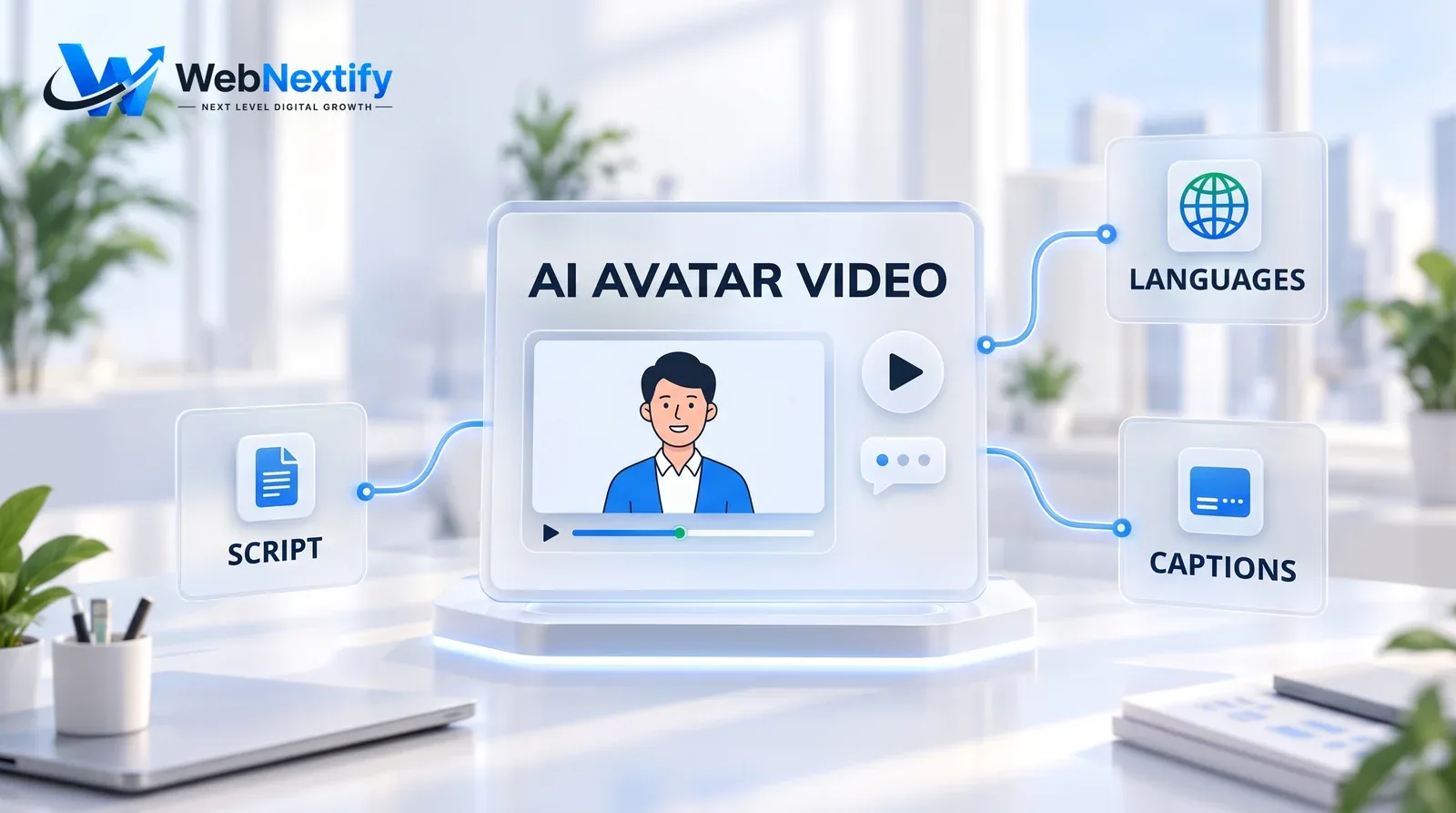
An AI avatar video maker for business advertising turns a written script into a video presented by a digital human, either a stock avatar or a digital copy of someone on your team. You type the script, pick an avatar and a voice, and a few minutes later you have a presenter-led video. No camera, no studio, no reshoot when the price changes. For a small business, that puts explainers, product walkthroughs, training videos and ads in several languages within budget.
It works best where clarity matters more than personality. It works worst where warmth and trust are the whole point, like a local business introducing its owner, because people can often tell when a face isn't real, and they don't like finding out late.
Where AI Avatar Videos Work Well
Short explainers are the strongest use: how a service works, what a package includes, how to set up a product. FAQ videos come a close second, one per common question, embedded on the page where people ask it. Training and onboarding fit well too. Nobody expects charisma from a safety briefing.
Languages are where avatars really pay off. You can produce the same script in Spanish, Vietnamese and Mandarin without hiring a presenter for each. They're also a cheap way to test several ad hooks before you pay for a proper shoot, and they suit content that changes often, like seasonal offers, where reshooting would never be worth it.
Where They Backfire
Never use one for a testimonial. A synthetic "customer" praising your product misleads viewers, and in the US it's a legal risk as well. The FTC's final rule on fake reviews and testimonials covers testimonials that misrepresent that they come from someone who doesn't exist, AI-generated ones included, and lets the agency seek civil penalties.
"Meet the owner" videos need the real owner. Health and money topics need a real human presence. And be careful with the most popular stock avatars, because some turn up in so many ads that yours will look like everyone else's.
A simple test helps. Would a viewer feel misled if they found out the presenter wasn't real? If the answer is yes, use a real person, or a format that's obviously not a human, such as animation or a screen recording with voiceover.

Consent and Disclosure
If you make an avatar of a real person, whether that's you, a staff member or a spokesperson, get written consent first. It should cover how the avatar will be used, for how long, and what happens to it if that person leaves the company. Read the tool's terms on who owns and can reuse that likeness, too. Some are vaguer than you'd want.
Platforms have their own rules. YouTube requires creators to disclose realistic altered or synthetic content, such as making a real person appear to say something they didn't, or generating a realistic scene that never happened. It doesn't ask for disclosure on clearly unrealistic content or on production help like AI-written scripts. Ad platforms and social networks set separate policies, so check each one before you spend money on a campaign.
Ownership is murkier than most people assume. In its 2025 report, the U.S. Copyright Office concluded that prompts alone don't make a user the author of AI-generated output. Your script, editing and arrangement can still be protected. A purely generated video may have very little protection, so plan as if a competitor could reuse it.
How to Make an AI Avatar Ad That Works
1. Write the script first, for a person: short sentences, one idea per scene, a clear call to action.
2. Keep it short. A 30-second explainer holds attention far better than a three-minute monologue.
3. Cut between the avatar and real footage of your product, premises or team.
4. Add captions, since plenty of people watch with the sound off.
5. Choose a natural voice and pace, and listen closely for mispronounced names and product terms.
6. If you can, test it against a real-person version and compare results.

Affordable AI Avatar Solutions for Small Businesses
Tools run from free tiers with watermarks to paid plans with custom avatars and voice cloning. Start by checking what a plan actually includes: video minutes, resolution, whether the watermark goes away, and commercial use rights. Look at the avatar library and whether a custom avatar costs extra. Then test the thing that trips up most tools, which is pronouncing your business name and product terms correctly. Confirm the languages and accents you need, and read the terms on likeness, data and reuse before you upload anyone's face.
For local businesses, an agency or freelancer offering AI avatar services can handle the script, the edit and the real footage mixed in. That usually beats using a tool alone.
The market itself is shifting from agency-made, one-off videos to self-serve platforms, and many agencies now work both ways, using the platforms for speed and selling strategy, scripting and editing on top. If you have time and a clear script, a platform may be enough on its own. If the ads need to perform, paying for scripting and editing is usually money well spent.
Get Help With AI Video and Automation
If you'd like help deciding where AI video fits your marketing, or connecting it with your website and customer journeys, see our AI chatbot and automation services and our guide to AI business solutions.
Frequently Asked Questions
What is an AI avatar video maker?
Are AI avatar videos good for business advertising?
Do I need to disclose AI avatars in videos?
Can I use an AI avatar as a customer testimonial?
Can I make an avatar of myself or my staff?
Who owns an AI-generated video?
What should an affordable AI avatar tool include?
Summary
Use AI avatar videos where clarity matters and trust isn't on the line: explainers, FAQs, training and multi-language ads. Get consent for any real likeness, follow platform disclosure rules, mix in real footage, and never use synthetic people as customers or testimonials.