
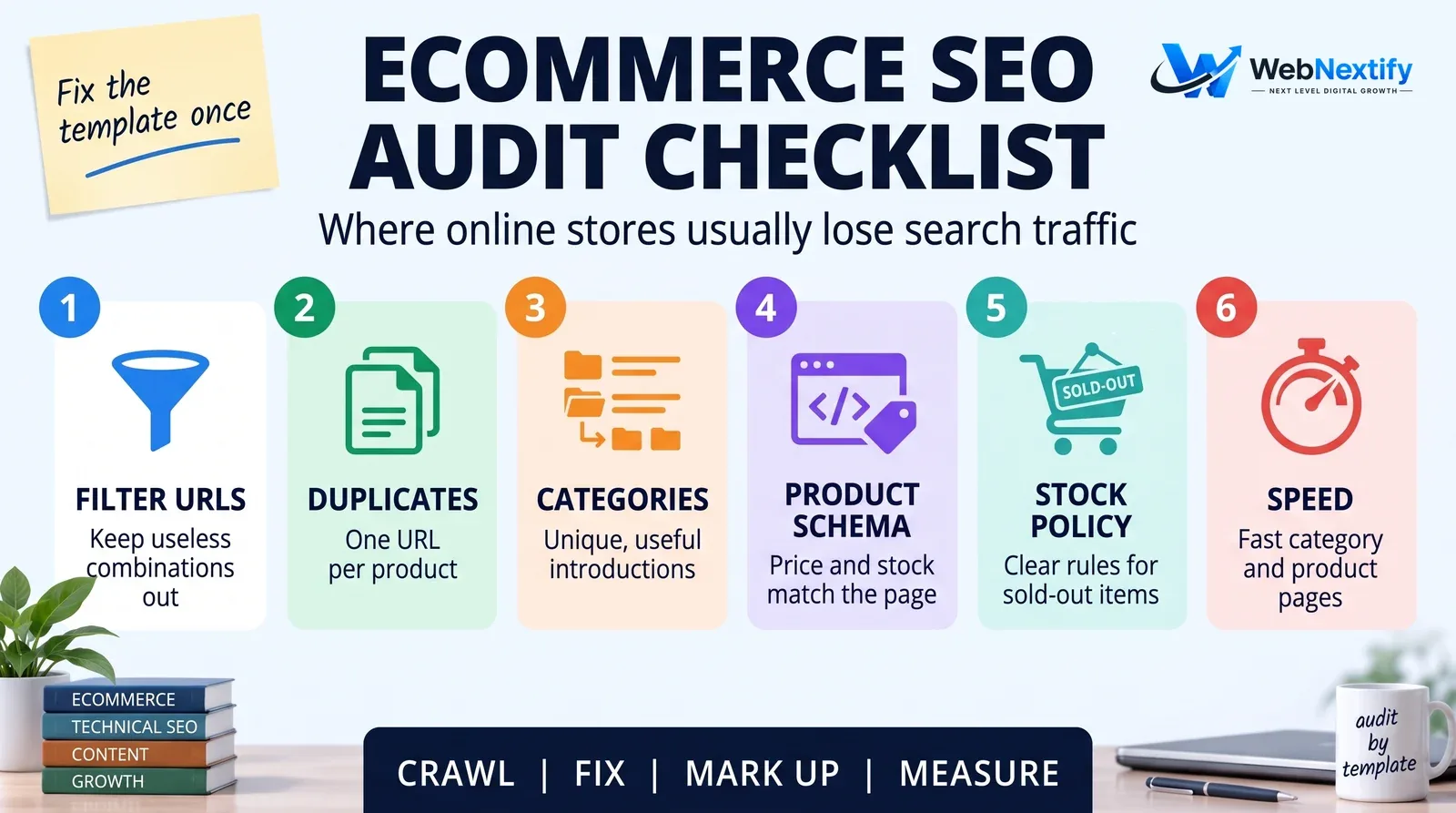
An ecommerce SEO site audit checks whether Google can crawl, index and make sense of an online store's category and product pages, and whether those pages deserve to rank. Stores break in places a brochure site never does: filters that spawn thousands of URLs, one product living at five addresses, out-of-stock items, thin category pages and product data that has to be marked up exactly right.
The good news is that store problems are almost always systematic. Fix the category template once and four hundred category pages improve on the same day. So audit by template, not page by page.
Before You Start
Get Search Console and GA4 access and a crawler that can handle a large site, with JavaScript rendering if your store needs it. Then pull a list of your most valuable categories and products by revenue. That list keeps the audit honest. A best-selling category and a page nobody has visited since 2022 shouldn't get the same attention.
1. Faceted Navigation and Filter URLs
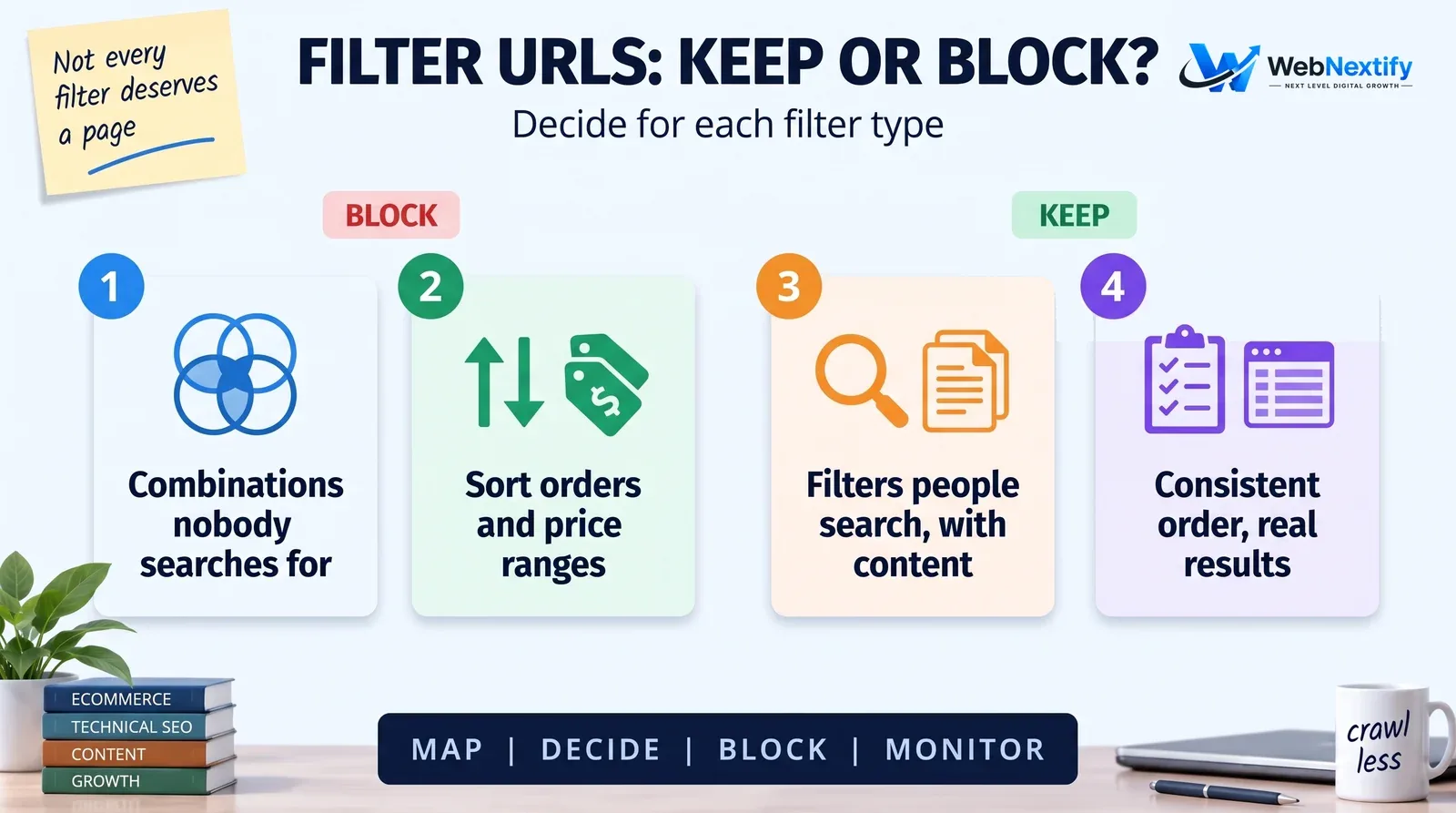
Filters for size, color, price and brand help shoppers and wreck crawling. Every combination can become a URL, and a store with 300 products can easily produce 200,000 of them. Google explains that crawlers can end up fetching a very large number of faceted navigation URLs before working out they're useless, which leaves less time for the pages that matter.
Compare how many filter URLs the crawl finds with your real product and category count, and check which combinations Search Console shows as indexed. Then decide whether any filter page deserves to rank. "Black leather boots" might, if you give it unique content.
For filter URLs you don't need in search, Google's guidance is to block them in robots.txt or use URL fragments instead of parameters. It notes that rel="canonical" and nofollow tend to be less effective over time. For filter pages you do want indexed, keep the parameter order consistent and return a 404 when a combination has no products.
2. Duplicate Products and URLs
Can the same product be reached with and without a category in the path, with tracking parameters, as separate color or size variants, or on both HTTP and HTTPS? Each product needs one canonical URL, and your internal links, sitemaps and canonical tags all have to agree on which one it is.
Look for manufacturer descriptions too. If forty stores use the same paragraph about a blender, yours gives Google no reason to pick you.
3. Category Pages
Category pages usually chase the most valuable searches, "women's running shoes" rather than one model, so they deserve the most work. Give each a short, genuinely useful introduction instead of keyword filler, pagination that search engines can follow, clear links to subcategories and best sellers, and titles that match how people actually search.
4. Product Pages
For your top products, check for a unique description with real detail (materials, sizing, what it's good for), sharp images with descriptive alt text, reviews where you have them, and shipping and returns information a shopper can find without scrolling to the footer.
5. Product Structured Data
Google supports two kinds of product markup: product snippets for pages where people can't buy, and merchant listings for pages where they can. Merchant listings need offer details such as price and availability, and can carry shipping and returns too. Run a sample from each product template through the Rich Results Test, and confirm the markup matches the page, price and stock above all.
6. Out-of-Stock and Discontinued Products
Pick a policy and check it's applied everywhere. A product that's temporarily out of stock should stay live with the right availability and a back-in-stock alert or alternatives. A discontinued product with a close replacement should redirect to it. One with no replacement can return a 404 or 410, or stay as an information page if it still pulls useful traffic.
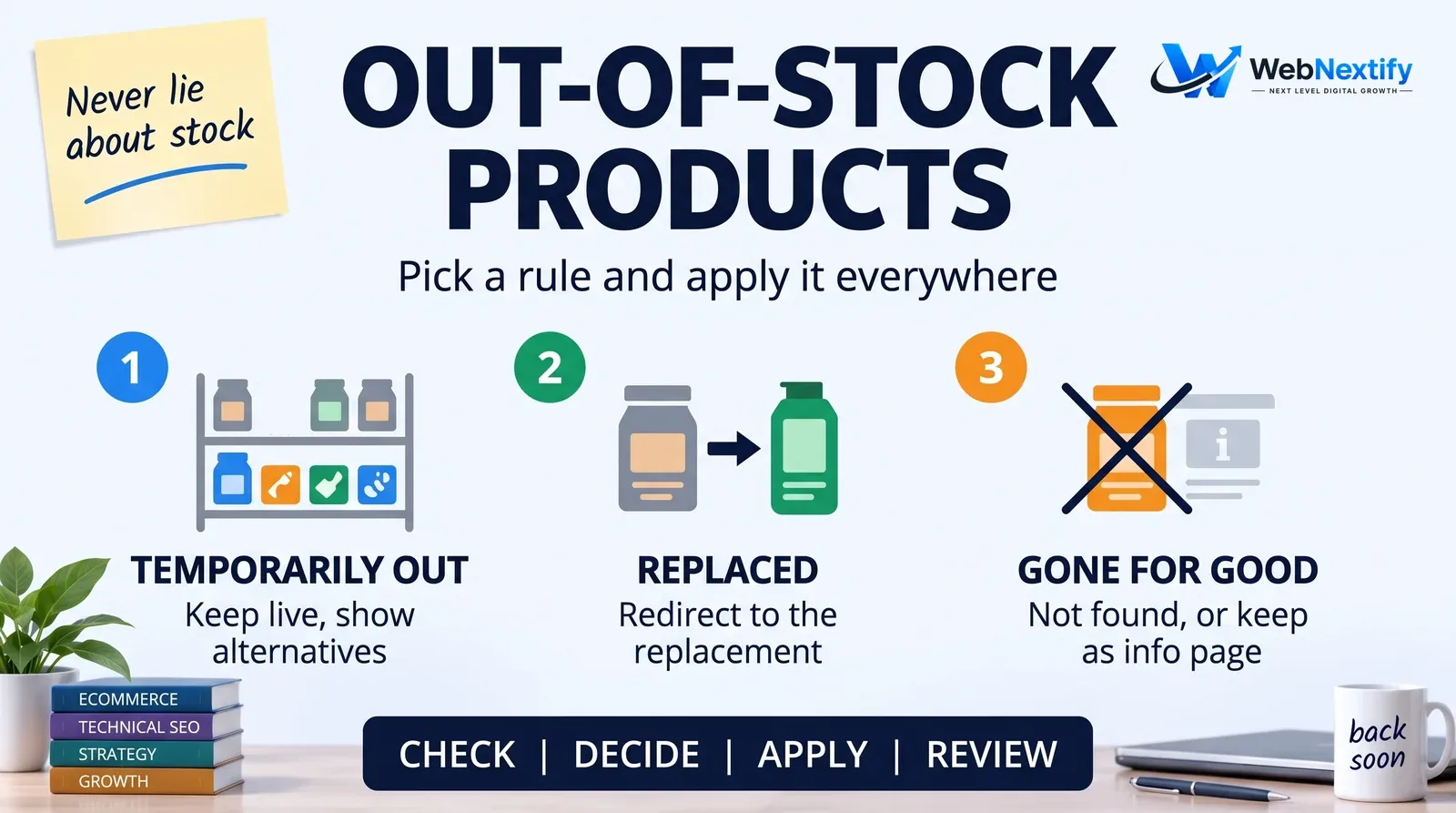
Markup that says "in stock" on a page that says "sold out" causes trouble for shoppers and for Google. If you run Google Shopping, availability in your Merchant Center feed has to match the landing page and your structured data. Out-of-stock pages should say so plainly, with "sold out" text or a disabled buy button, rather than hiding the product. The usual cause of mismatches is a feed that syncs once a day while stock changes every hour, so check your sync schedule.
7. Site Speed on Templates
Read Core Web Vitals in Search Console by page group: category, product, cart. The suspects are nearly always the same. Oversized product photos, a stack of apps or plugins, and third-party scripts for reviews, chat and tracking.
8. Internal Linking and Navigation
Best sellers and high-margin categories should be two clicks from the homepage at most. Look for orphaned products, links pointing at removed products, and menus that bury important categories under "More".
9. Indexing and Sitemaps
Compare indexed product and category pages with what you'd expect. Make sure XML sitemaps list only canonical, indexable URLs and update automatically as products come and go.
Best Tools for Ecommerce SEO Audits
You don't need specialist tools for most of this. Search Console covers indexing, search performance, product structured data reports and Core Web Vitals. GA4 gives revenue and conversion by landing page. Add a crawler that handles large sites, Google's Rich Results Test, and Merchant Center if you sell through Google Shopping.
Your platform's settings matter as much as any tool. Shopify, WooCommerce, Magento and BigCommerce each handle canonicals, sitemaps and filters differently, so the audit should name the setting or app behind each problem.
Free Ecommerce SEO Audit vs Audit Services
A free ecommerce SEO audit with the tools above will catch the big problems on a small store. Large catalogs, platform migrations and stores whose organic revenue has dropped usually benefit from ecommerce SEO audit services, because the job is finding patterns across tens of thousands of URLs and ranking them by revenue.
When you compare services, ask whether they audit by template, whether they tie findings to revenue, whether they know your platform, and whether the report gives developers fixes they can act on. Our SEO audit services guide covers what to expect from any provider.
Get an Ecommerce Audit
If you'd like an ecommerce SEO site audit focused on the categories and products that earn the most, with fixes your developers can work from, see our SEO services. Our web development team can make the template changes. For a quick speed and SEO check of a product page, try the free WebNextify SEO Report Generator.
Frequently Asked Questions
What is an ecommerce SEO site audit?
What is the most common ecommerce SEO problem?
How do I handle out-of-stock products for SEO?
What structured data does an online store need?
Does my Merchant Center feed need to match my product pages?
Can I do a free ecommerce SEO audit?
What tools are best for ecommerce SEO?
Summary
Audit a store by template and by revenue. Start with filter URLs and duplicates, give category pages the work their searches deserve, and keep product markup accurate. Apply one clear stock policy, and fix speed on the templates that make up most of the site.