The best free SEO audit tools mostly come from the search engines themselves. Google Search Console covers indexing and performance. PageSpeed Insights and Lighthouse check speed and individual pages, the Rich Results Test validates structured data, and Bing Webmaster Tools gives you a second opinion. Add a free crawler for site-wide technical checks and you can audit most small and mid-sized sites without paying a cent.
The tools aren't what separates a useful free audit from a pile of reports. Organization is. Check things in the right order, keep every finding in one place, and finish with a short list of fixes someone will actually make.
The Free SEO Audit Toolkit
| Tool | What it checks |
|---|---|
| Google Search Console | Indexing, search queries, Core Web Vitals, manual actions, links |
| PageSpeed Insights / Lighthouse | Speed, accessibility, basic SEO for one page |
| Rich Results Test | Structured data validity |
| Bing Webmaster Tools | Bing indexing and a site scan |
| A free crawler | Broken links, redirects, titles, duplicates across the site |
| GA4 | What organic visitors do and which pages convert |
| Ahrefs Webmaster Tools | Site audit and backlink data, free for sites you verify |
| WebNextify SEO Report Generator | A quick Lighthouse report for any page, no login |
What Free Tools Miss
Free tools find symptoms, on a limited number of pages. Most cap how many URLs they'll crawl, and most give you a snapshot instead of ongoing monitoring, so a problem that appears next week goes unnoticed until you run them again.
A perfect Lighthouse score isn't a clean bill of health either. It checks one page for a handful of basics. It won't tell you that two pages compete for the same search, that an important page has no internal links pointing at it, or that a page answers the wrong question for the people searching. You find those by reading Search Console data and the pages themselves. No free tool does that part for you.
What Is a Technical SEO Audit?
A technical SEO audit checks whether search engines can crawl, render and index the site, and whether its structure and speed help it rank. That means robots.txt, indexing, canonical tags, redirects, internal links, site architecture, Core Web Vitals and structured data. Content quality and backlinks usually get reviewed separately. Almost every free tool in the table above is a technical tool, which is why free audits tend to be strongest on the technical side.
How to Organize Your Site Audit
Keep everything in one spreadsheet, with a tab for each area: indexing, crawl issues, speed, content, structured data and links. Every finding gets its own row. Write the issue in one sentence, note where you found it (the tool, plus a screenshot or export), list the affected URLs, and give it a severity of critical, high, medium or low. Then add the fix, who'll do it, and a status column you'll actually update.
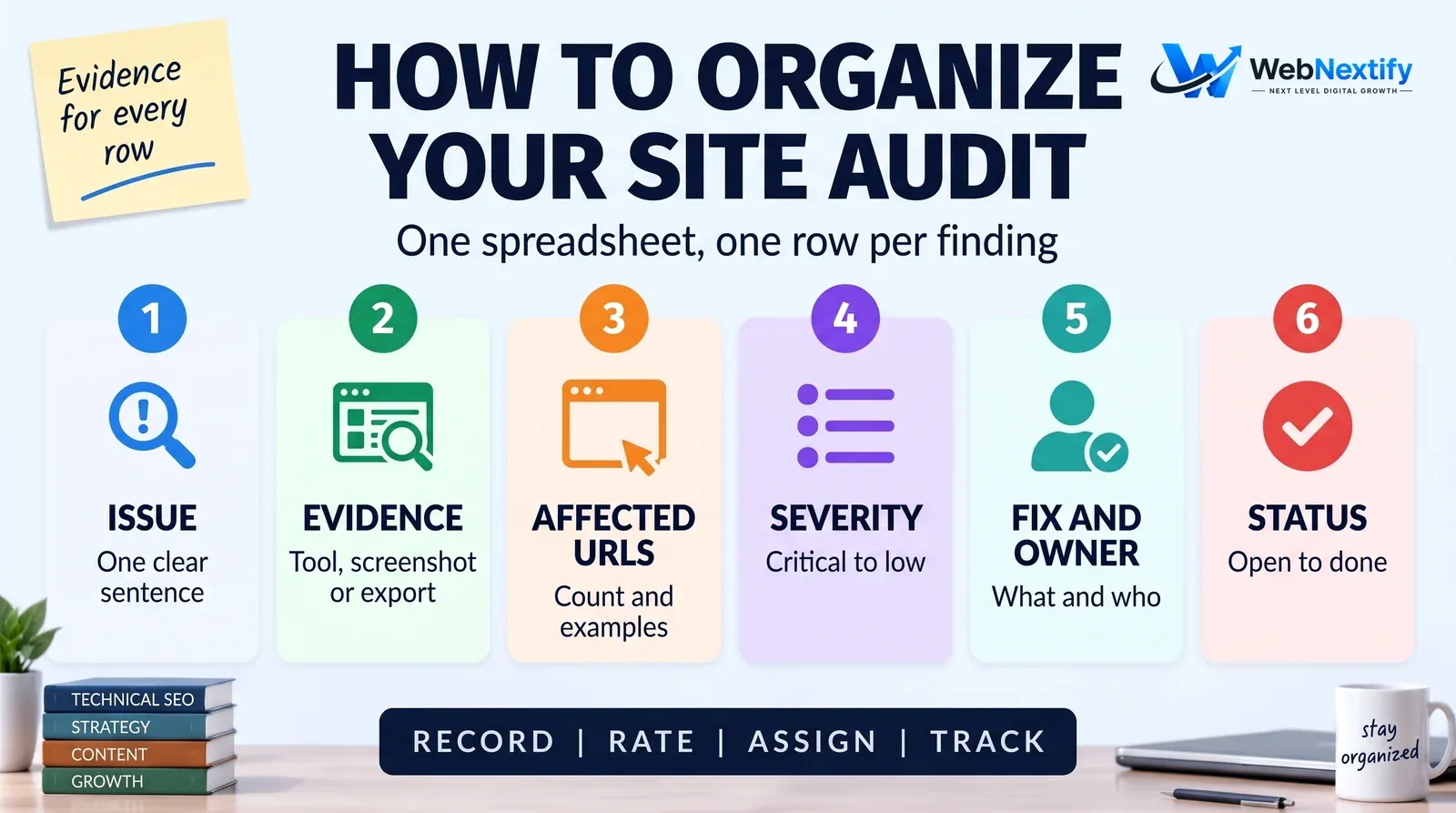
Work in this order. Indexing comes first, because nothing else matters for a page Google can't index. Then the technical crawl, then speed, content, internal links and structured data. When you're done, sort by severity and effort. Anything blocking important pages from the index goes straight to the top.
What Good SEO Audit Examples Look Like
You'll find SEO audit examples from agencies, courses and template sites. Judge each one finding by finding. A good finding is specific to that site rather than a generic warning, shows its evidence, explains why it matters to that particular business, gives a clear fix, and is ranked against everything else on the list.
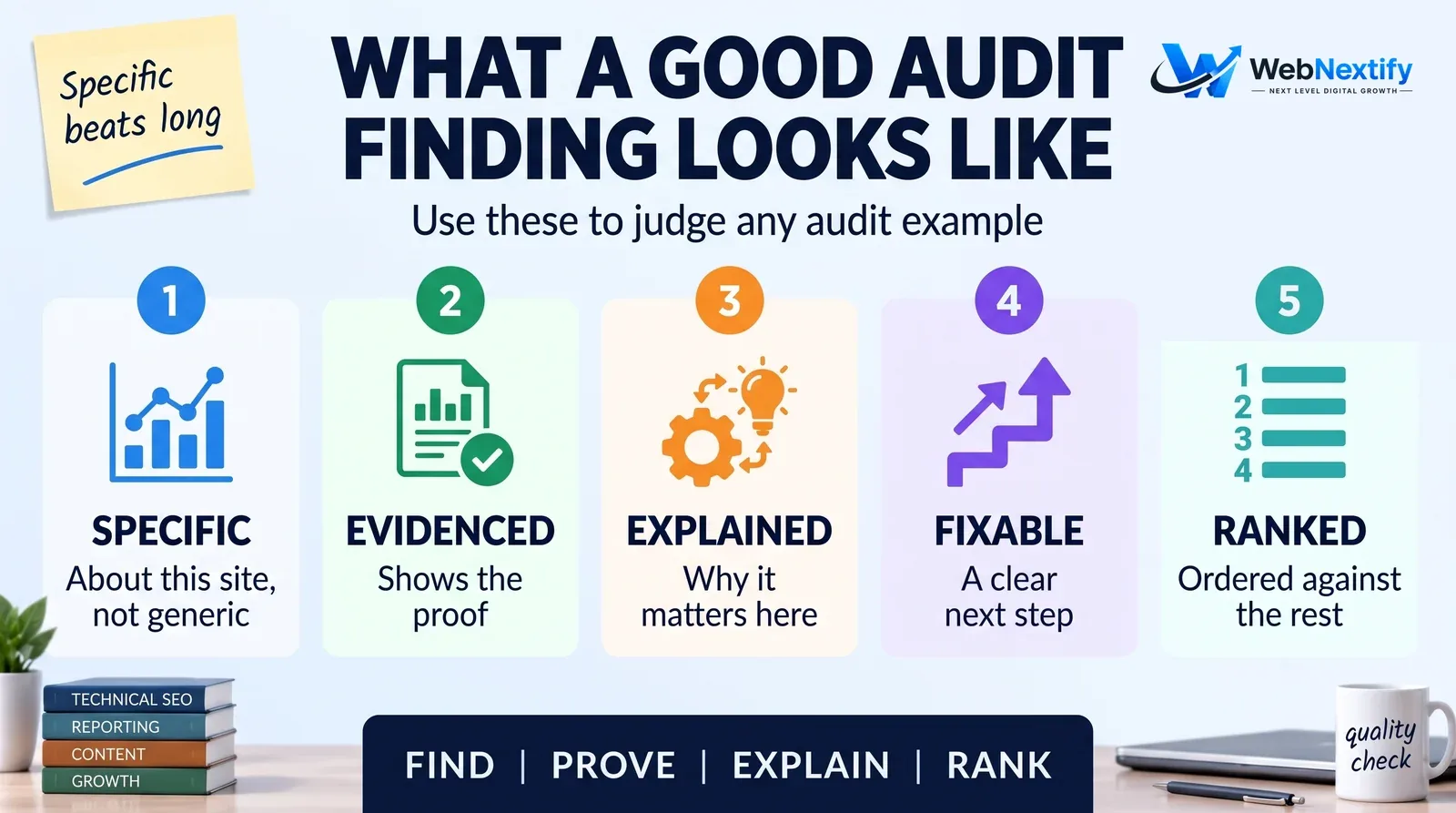
A short audit with ten specific, prioritized findings beats a long one with two hundred unranked warnings every time. For a full report structure, our guide to SEO audit services covers the deliverables a professional audit should include.
Learning to Audit: SEO Audit Courses and Resources
The best teacher is free. Google's SEO starter guide explains what Google itself looks for, and the rest of the Search Central documentation goes deep on crawling, indexing and JavaScript.
After that, practice. Work through every Search Console report on a real site you have access to, then audit the same site again a few months later and compare what you found. If you learn better with structure, an SEO audit course from a recognized training provider is worth it, as long as the material is recent. Search changes fast enough that a course from three years ago will teach you some things that no longer apply.
When to Request a Professional SEO Audit
Free tools and a careful process cover a lot. They run out on large or multilingual sites and on sites built with JavaScript frameworks. They also struggle when traffic has dropped and nobody can find the cause, or when a migration or redesign is coming. And sometimes you simply need someone to rank fixes by business value, or you'd rather spend your hours running the business than filling in a spreadsheet.
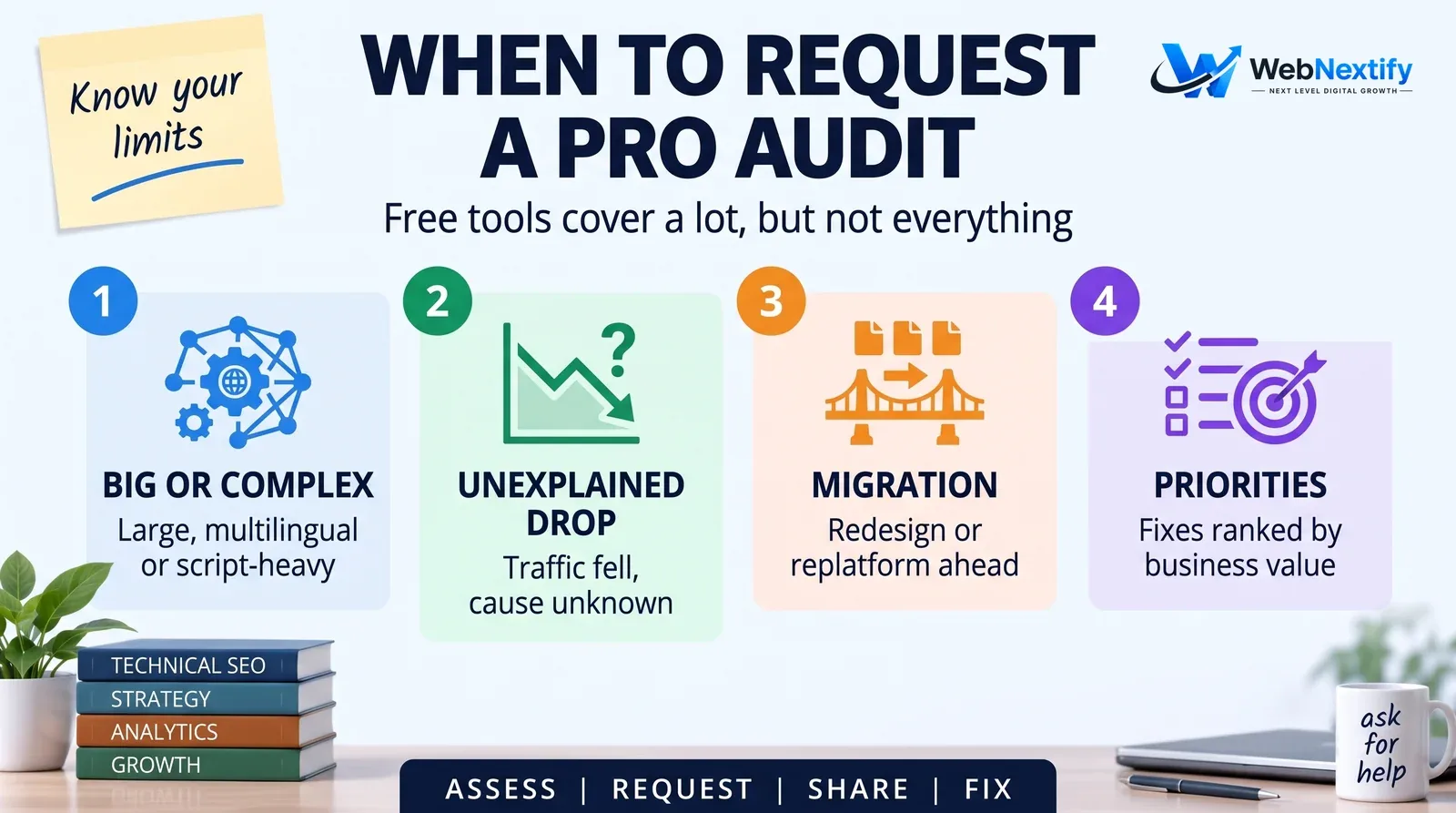
When you make an SEO audit request, share your goals, read access to Search Console and a list of recent site changes. The provider can then spend their time on what matters instead of rediscovering basics.
Free SEO Audits in East Sussex, Eastbourne and Elsewhere
Searches for a free SEO audit in East Sussex or Eastbourne usually come from businesses wanting a nearby provider. Local knowledge helps with local SEO, but most audit work happens remotely, inside Search Console and a crawler. Wherever the provider is based, ask what the free audit includes, whether it's a manual review or an automated report, and what happens after you get it.
Get Help With Your Audit
If you've run a free audit and want help prioritizing or fixing what you found, or you'd like a full audit done for you, see our SEO services.
Frequently Asked Questions
What are the best free SEO audit tools?
What is a technical SEO audit?
How do I organize my site audit?
Where can I find SEO audit examples?
Is there a good SEO audit course?
What do free SEO audit tools miss?
When should I request a professional SEO audit?
Summary
Free SEO audit tools are enough for most sites if you organize the work: one spreadsheet, a clear order, evidence for every finding and a prioritized fix list. Bring in a professional when the site or the problem outgrows that.