Open source SEO software is SEO tooling whose source code is published under an open license. You can use it for free, run it on your own machine or server, read how it works and change it. It covers page audits, site crawling, rank tracking, web analytics and the SEO plugins inside open source content management systems. You get cost savings and control. You pay for them by installing, updating and maintaining everything yourself.
For most small businesses a mix works best. Use free hosted tools like Google Search Console, and add one or two open source tools where owning the data or avoiding a subscription really matters.
Open Source SEO Tools by Category
| Category | Example | License (as published on GitHub) | Notes |
|---|---|---|---|
| Page audits | Lighthouse | Apache-2.0 | Built into Chrome DevTools; powers PageSpeed Insights |
| Rank tracking | SerpBear | MIT | Self-hosted rank tracker |
| Site crawling | Greenflare | GPL-3.0 | Desktop crawler; repository not updated since 2023 |
| Web analytics | Matomo | GPL-3.0 | Self-hosted alternative to hosted analytics |
| Data analysis | advertools | MIT | Python library for crawling, sitemaps and analyzing Search Console exports |
| CMS SEO | WordPress SEO plugins | Usually GPL | Free versions of popular plugins follow WordPress licensing |
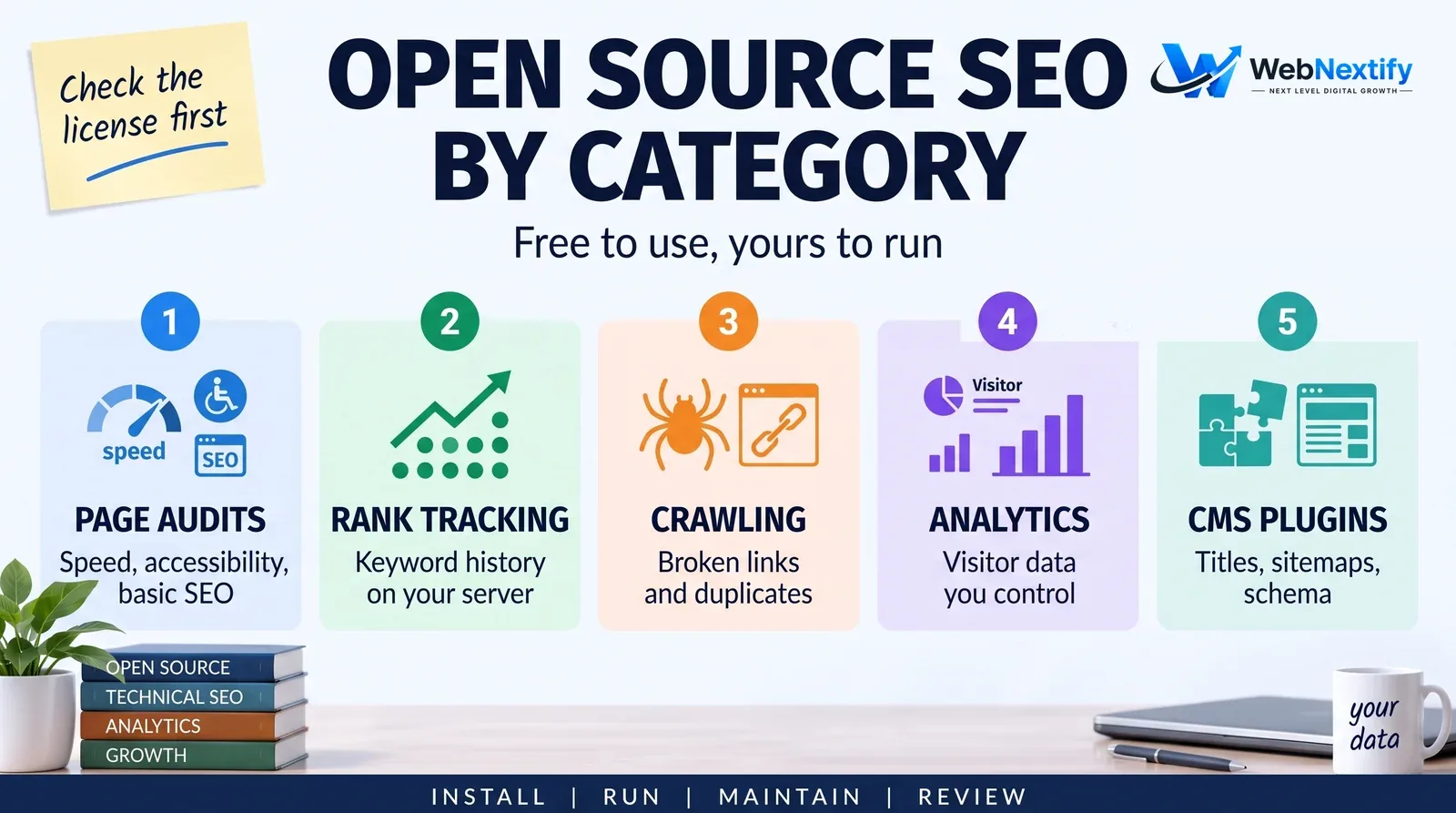
I checked each license on the project's public repository. Confirm the current license and maintenance status yourself before you rely on a tool, because projects change hands or go quiet.
Lighthouse is the one to start with. It audits a single page for performance, accessibility, best practices and basic SEO, it runs inside Chrome DevTools, and it can run from the command line or in automated tests. That last part makes it handy for checking pages before every release. The free WebNextify SEO Report Generator runs a Lighthouse test through Google's PageSpeed Insights.
Rank tracking is trickier. Self-hosted trackers like SerpBear keep your keyword history on your own server, but they still need search results from somewhere, usually a paid third-party data provider, so check that cost and the provider's terms. Don't point any tool at Google directly. Google's spam policies count scraping results for rank-checking purposes as machine-generated traffic.
Open source crawlers find broken links, redirects, missing titles and duplicate pages. Older projects often struggle with modern JavaScript sites, so if a crawler hasn't been updated in years, test it on your own site and compare what it finds with what you can see in a browser before you trust it.
Self-hosted analytics keep visitor data on your own infrastructure, which some businesses want for privacy or compliance reasons. You'll still need Search Console for search performance. Only Google has that data.
If someone on your team writes Python, advertools is worth an afternoon. It crawls a site, reads XML sitemaps and robots.txt files, and splits URLs into their parts, and the results land in a table you can join to Search Console exports. It's better for one-off audits and repeatable checks than for day-to-day dashboards.
Put together, a small self-hosted stack might be Lighthouse for page checks, a crawler for site-wide issues, SerpBear for a fixed keyword list and Matomo for analytics, with Search Console alongside. That covers most of what a small business needs, as long as someone sets it up and keeps it patched.
Pros and Cons of Open Source SEO Software
The good side is easy to list. There's no subscription for the software, your data stays on your systems, you can see exactly how the tool works and change it, and you're never locked in to one vendor.
The other side is all work. Hosting, updates and security become your job. Interfaces are rougher, integrations are fewer, help comes from a community forum instead of a support desk, and some projects simply stop being maintained.
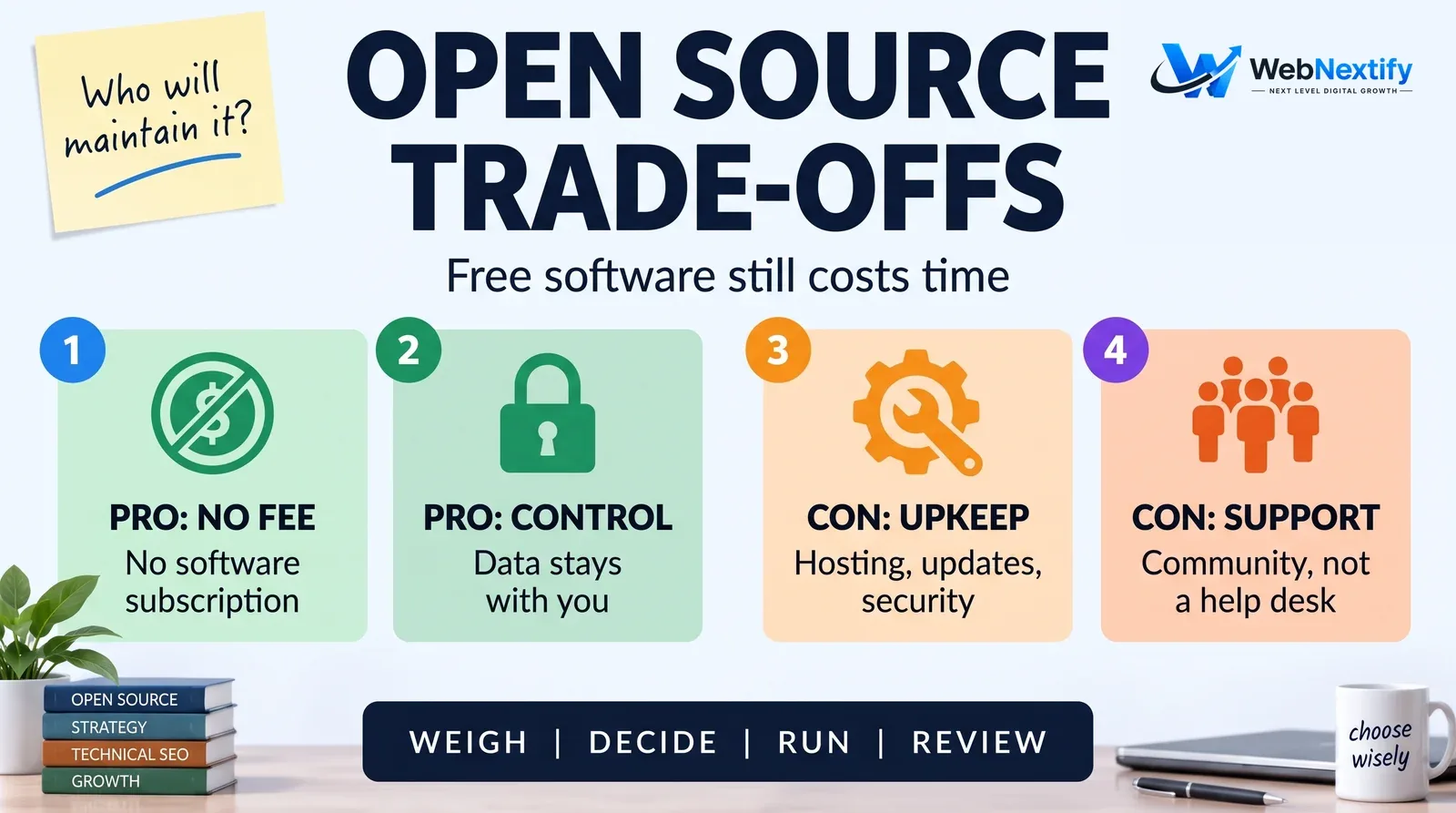
The real cost is time, and usually more of it than people expect. If nobody on the team is comfortable running a server, a hosted tool almost always comes out cheaper.
Hosted SEO Cloud Tools vs Self-Hosted
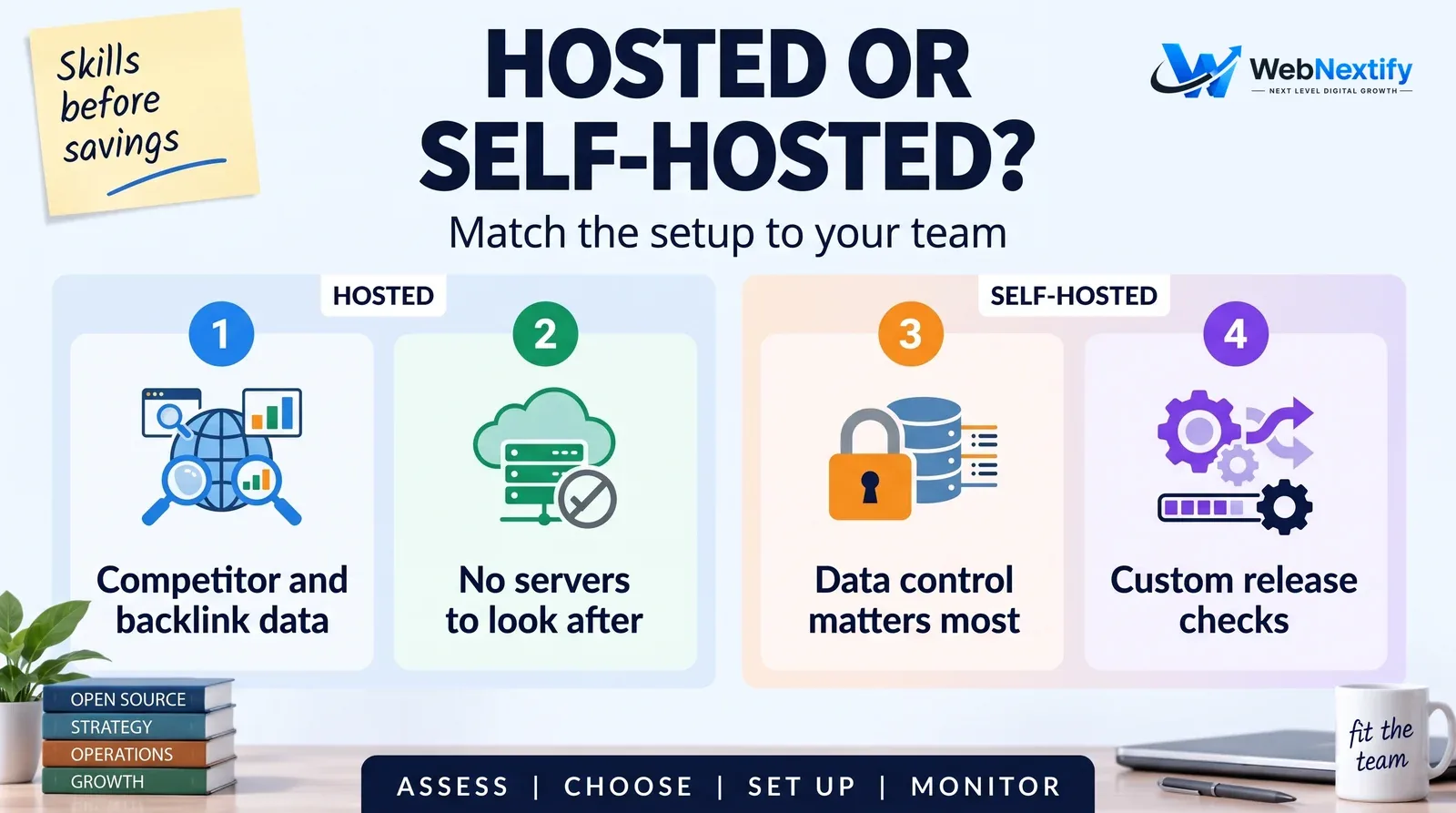
Hosted SEO platforms, sometimes sold as SEO cloud tools, run the infrastructure, updates and data sources for you. Choose them when you need competitor data, backlink databases, large-scale crawling or client reporting and don't want to maintain anything.
Self-hosting wins when data control matters, you have technical staff, or you want custom workflows such as Lighthouse checks running in your deployment pipeline.
Beyond Giant Tool Lists
Lists of 100 SEO tools are fun to browse and rarely useful. Most sites need four solid SEO tools used consistently: Search Console, an analytics tool, a crawler and a page checker. Add another only when a specific question needs answering. Our guide to the SEO report template shows how those few sources come together in monthly reporting.
Get Help Choosing Tools
If you're deciding between open source and hosted SEO tools, or want automated Lighthouse checks built into your release process, our web development team and SEO services can help.
Frequently Asked Questions
What is open source SEO software?
What are the best open source SEO tools?
Is open source SEO software really free?
Can open source tools replace Google Search Console?
What is an SEO cloud tool?
Should a small business self-host SEO tools?
Summary
Open source SEO software saves subscription costs and gives you control, and you pay for it in maintenance. Use Lighthouse freely, self-host analytics or rank tracking only when you have a reason and the skills, and keep Search Console at the center.