
Site audit software crawls a website the way a search engine does and reports what's technically broken: dead links, redirect chains, missing or duplicate titles, blocked pages, slow templates, invalid structured data. Content audit tools ask a different and often more useful question. Does each page deserve to exist, and is it doing its job? Most sites need both. The crawl finds what's broken. The content audit finds what's weak, out of date or quietly competing with another page on the same site.
You can get a long way with free tools. Paid site audit software earns its subscription on larger sites, for scheduled monitoring, and for agencies juggling many clients.
A quick note on the name: "site audit software" also describes apps for physical inspections, like safety checks and construction punch lists. This guide is about website audit tools, the crawlers and SEO platforms that check how a site is built and how its pages perform in search.
Features That Matter in Site Audit Software
| Feature | Why it matters |
|---|---|
| Crawl limit | Free plans often stop at a few hundred URLs |
| JavaScript rendering | Without it, the tool may miss content and links on modern sites |
| Custom crawl settings | Include or exclude sections, respect or ignore robots.txt, set user agent |
| Issue prioritization | Separates real problems from minor warnings |
| Search Console and GA4 connections | Shows which broken pages actually get traffic |
| Scheduled crawls and comparisons | Spots new problems after each release |
| Template grouping | Groups issues by page type instead of listing thousands of URLs |
| Export | Lets you work through fixes in a spreadsheet |
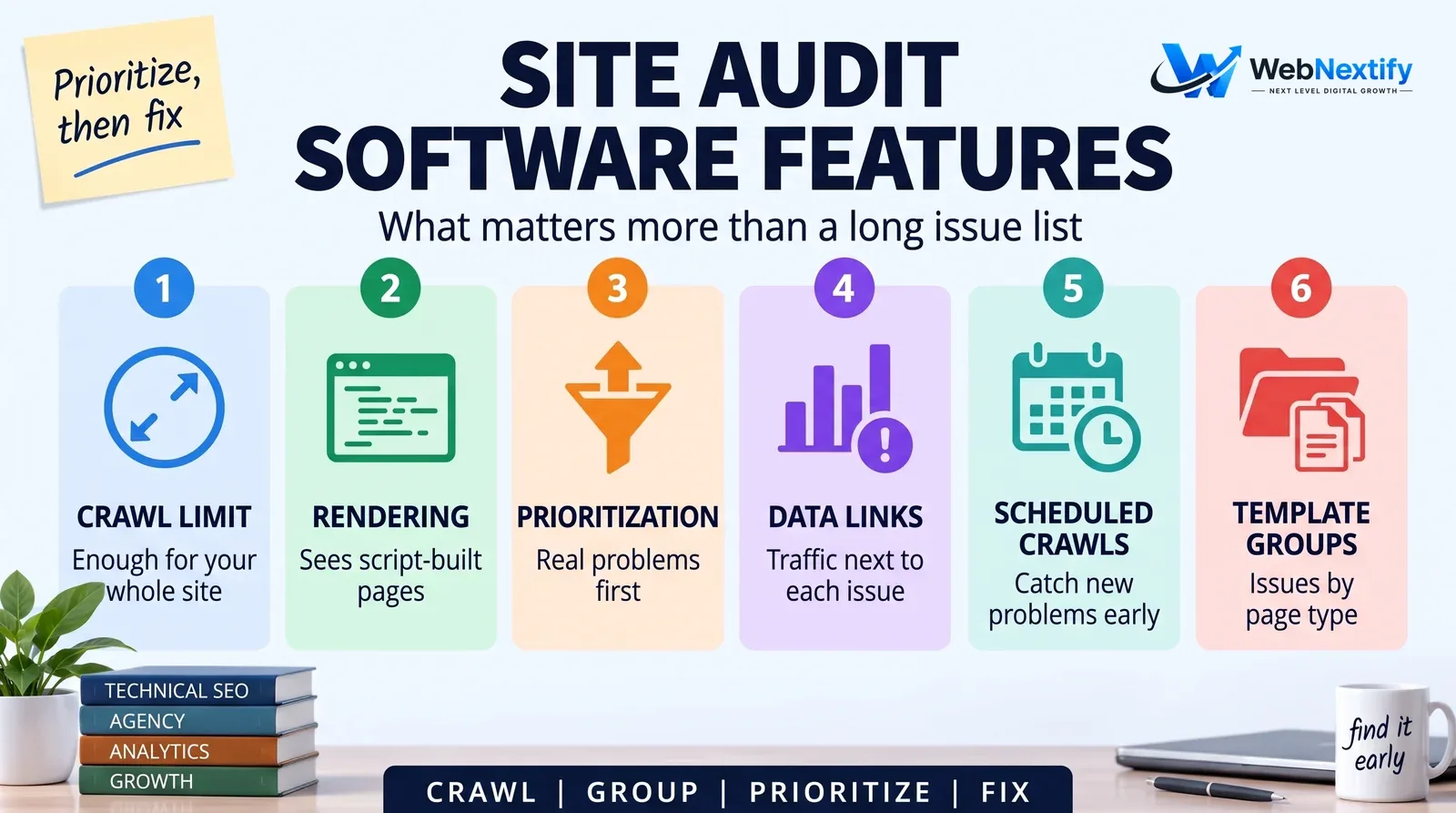
The Search Console and GA4 connections are the most underrated feature on that list. A broken page nobody visits or links to can wait. One that used to bring in a hundred visits a week can't.
SEO Audit Tools for Agencies
Agencies need more from the same software: separate projects with their own settings for each client, white-label reports, scheduled crawls that alert someone when a client's site breaks, access control by client or team member, and pricing that scales with the number of sites rather than just pages.
Before committing, trial it on a real client site and look hard at the report. If it needs an hour of editing before you'd send it, the automation hasn't saved you anything.
Content Audit Tools
A content audit looks at every important page and decides what happens to it. Tools gather the data; people make the calls.
For each URL you want its organic clicks and impressions from Search Console, engagement and conversions from GA4, word count and last-updated date from a crawl, the internal links pointing at it, backlinks if you have an SEO suite, and the main query it ranks for.
Content audit software and website content audit tools pull all that together automatically, often with a suggested action per page. You can build exactly the same thing in a spreadsheet by joining a crawl export with Search Console and GA4 exports on the URL column. It takes an afternoon the first time.
How to Run a Content Audit
Export every indexable URL from a crawl, then add 12 months of clicks and impressions from Search Console and conversions from GA4. Write down each page's main topic and target query. That's the data.
Now decide, page by page: keep, improve, merge or remove. Pages competing for the same topic get merged, with the weaker one redirected. Improvements get prioritized by traffic potential and business value.

Pages with impressions but few clicks are usually the best place to start. Google already shows them; they need better titles or better content. Pages with no traffic, no links and no business purpose can usually go, or fold into something better.
Two mistakes undo a lot of content audits. The first is judging pages on traffic alone. A pricing page, a case study the sales team sends to every prospect, or a page that ranks for a small but valuable search can look weak in Search Console and still pay its way, so ask the people who talk to customers before deleting anything. The second is removing pages other sites link to. Check links first, and redirect to the closest relevant page instead of letting it fall into a 404.
Order matters when you act. Merge and redirect first, which leaves a cleaner set of pages. Then update the pages already getting impressions, since they tend to respond fastest.
Free vs Paid Auditing Tools
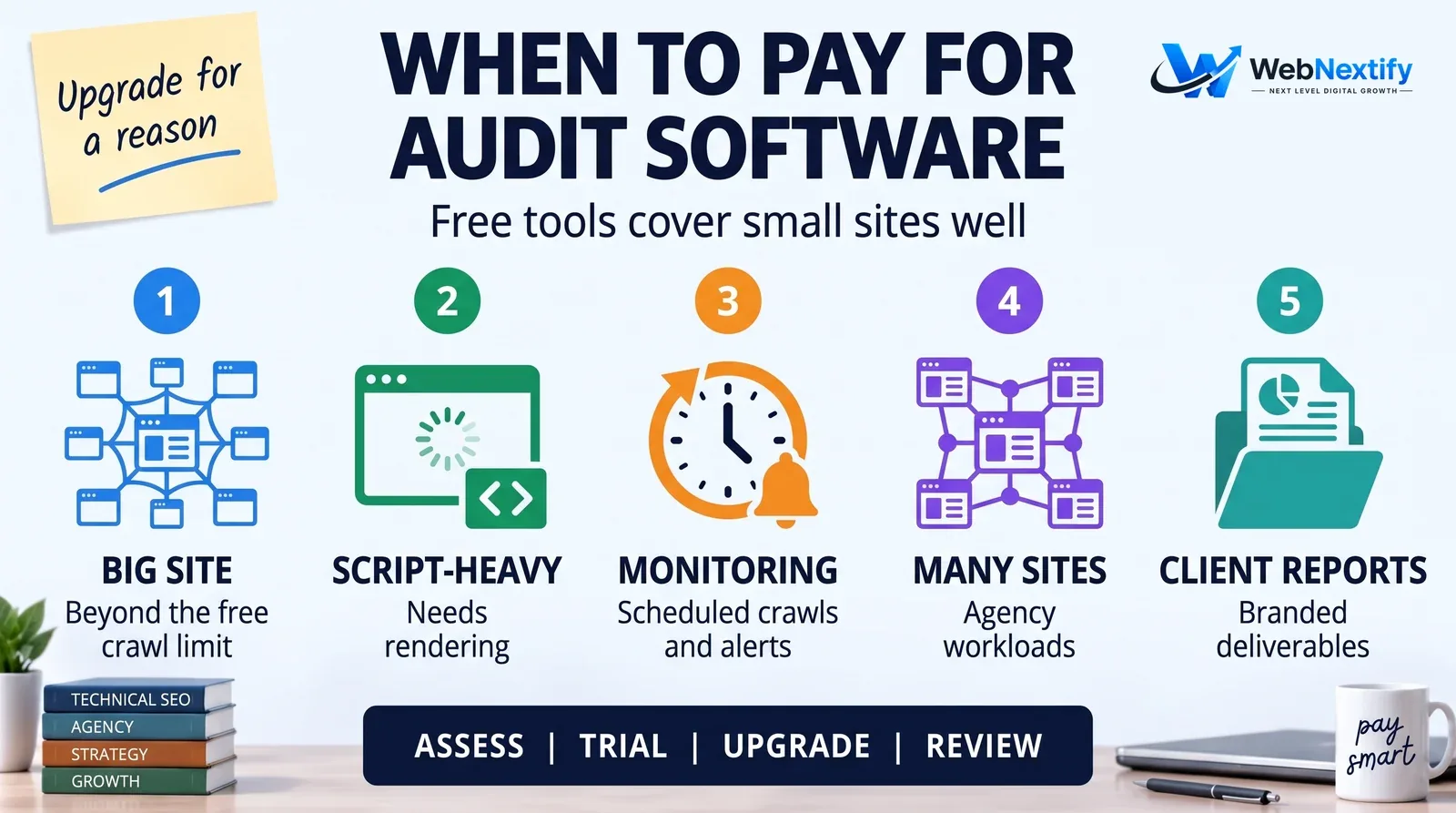
For a small site, a free crawler, Search Console, GA4 and a spreadsheet cover both the technical and the content audit. It's time to pay when the site outgrows the free crawl limit, when you need JavaScript rendering, when you want scheduled crawls and alerts, or when you're auditing many sites for clients who expect branded reports.
Whatever you pick, the software only finds issues. Someone still has to decide which ones matter to the business and get them fixed. Our SEO audit services guide explains what a human-led audit adds.
Get an Audit Done for You
If you'd rather have the crawl, the content audit and a prioritized fix list handed to you, see our SEO services. For a quick single-page check, use the free WebNextify SEO Report Generator.
Frequently Asked Questions
What is site audit software?
What is a content audit tool?
Do I need paid site audit software?
What should agencies look for in SEO audit tools?
How do I do a content audit for free?
Should I delete pages with no traffic?
How often should I run a site audit?
Summary
Use site audit software to find what's broken and a content audit to find what's weak. Choose tools for crawl depth, rendering, prioritization and their connections to real search data. The decisions about what to fix still belong to people.