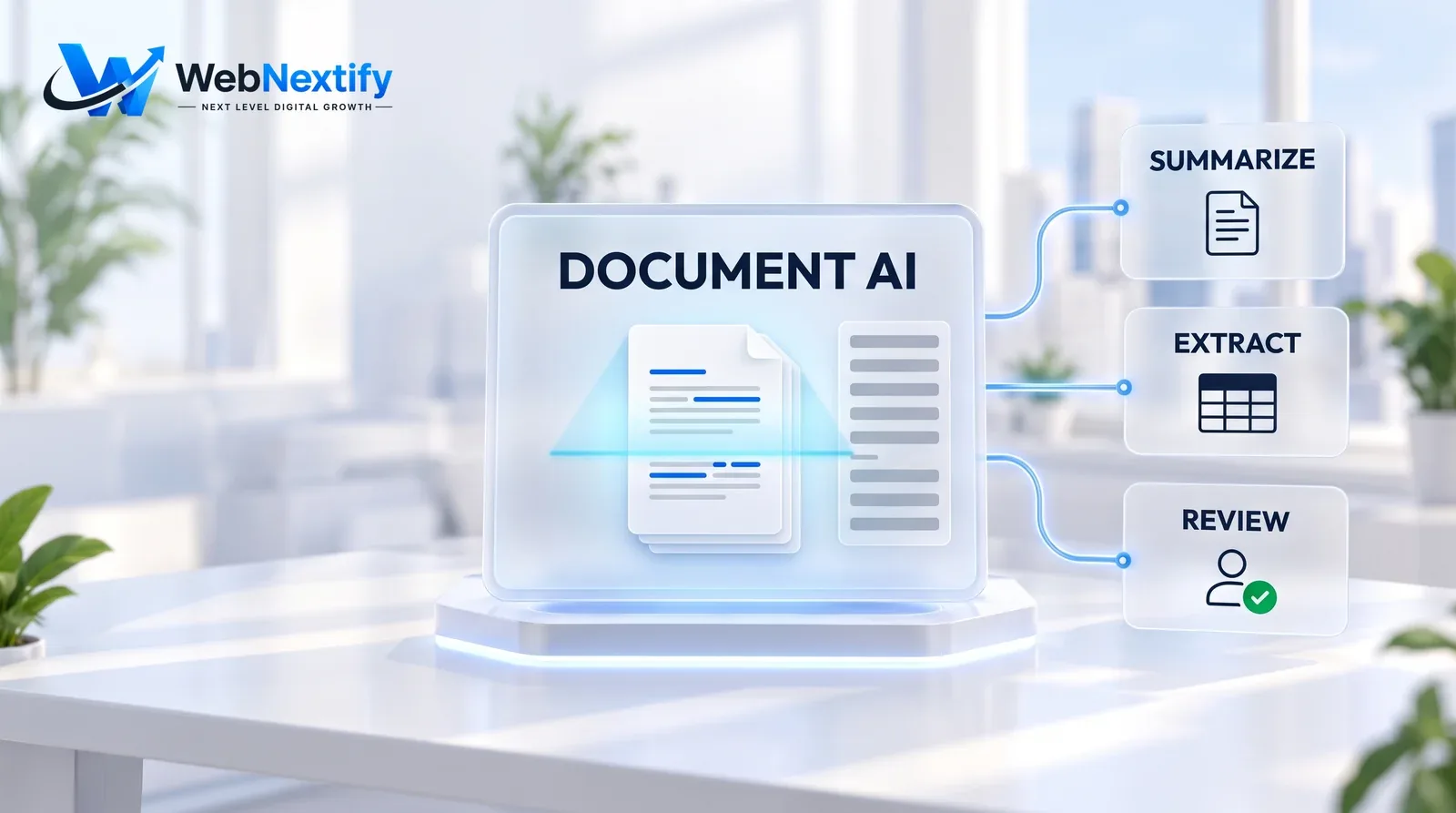
AI business document analysis means letting an AI model read the contracts, invoices, proposals, reports and forms your team would otherwise read line by line, and hand back something faster to act on: a summary, extracted fields, a comparison, a list of flagged risks, an answer to a specific question. Done well, an hour of reading becomes ten minutes of checking.
Checking is the part that matters. AI can misread a clause, skip a number in a scanned table, or state with total confidence something the document never says. The setups that work keep a person responsible for every decision and use AI to get that person to the important paragraphs faster.
Where AI Document Analysis Saves Real Time
| Document type | What AI does well |
|---|---|
| Contracts | Summarize key terms, list obligations and deadlines, flag unusual clauses, compare against your standard template |
| Invoices and receipts | Extract supplier, date, amounts and tax for bookkeeping |
| Proposals and tenders | Pull requirements into a checklist, compare bids side by side |
| Reports | Summarize findings, extract figures, answer questions about the content |
| Emails and forms | Extract contact details, classify requests, route to the right person |
| Due diligence packs | Search many documents for specific terms or risks |
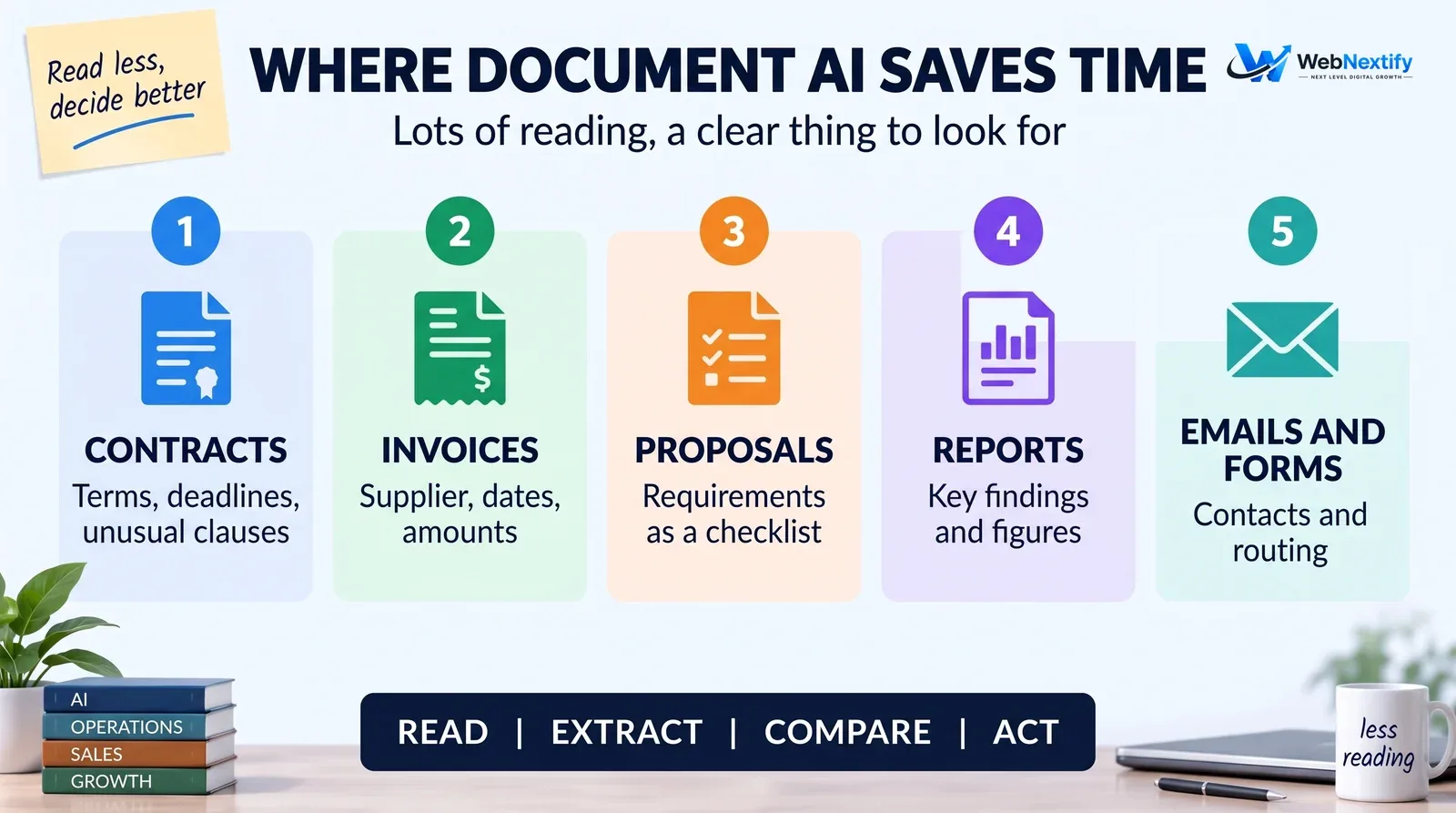
The common thread is a lot of reading, a predictable thing to look for, and a person who decides what to do with the answer.
AI for Business Contact Extraction
Pulling names, companies, emails and phone numbers out of email signatures, inquiry forms and business cards and into the CRM is one of the easiest wins there is. It becomes reliable with a few rules. Define exactly which fields you want and in what format. Tell the AI to return "not found" rather than guess, because a guessed phone number is worse than a blank one. Check for duplicates before creating a contact, and keep a note of where each one came from.
Contact details are personal data. Collect only what you need, store it securely and follow the privacy rules that apply to your business and to the people in your records.
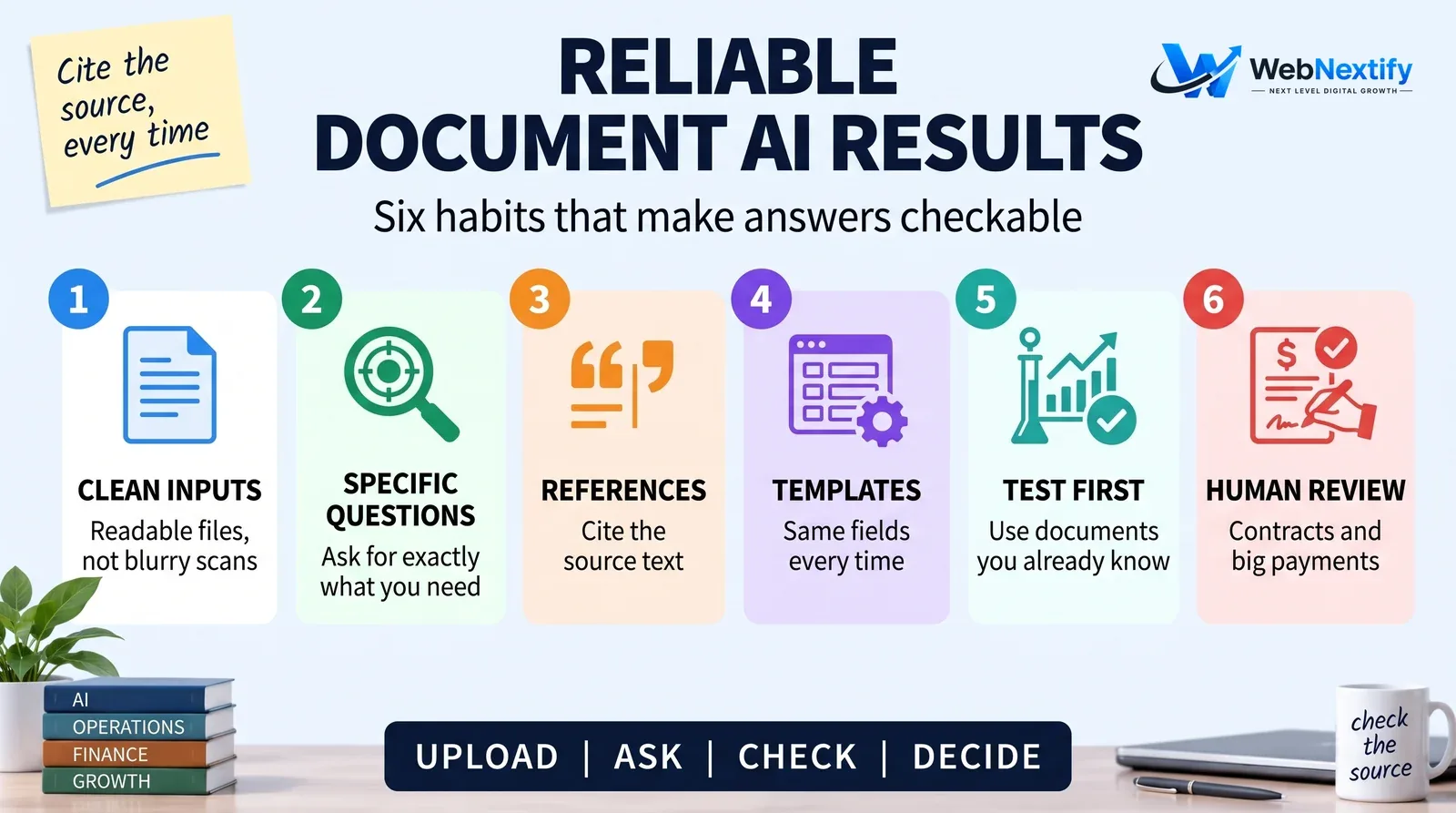
How to Get Reliable Results
Accuracy depends far more on setup than on which tool you pick.
Start with clean inputs. A readable PDF beats a blurry phone photo of a printout every time, so run text recognition on scans first. Ask specific questions: "list every payment deadline with its clause number" gets a far better answer than "summarize this contract". And ask for references, so the AI quotes or cites the section behind each answer and a person can confirm it in seconds.
For documents you process again and again, like invoices, use a fixed template and extract the same fields every time. Before trusting any setup, test it on a handful of documents where you already know the right answers. And keep a person on anything high-stakes: contracts, legal notices and large payments always get a human read.
AI Governance for Business Documents
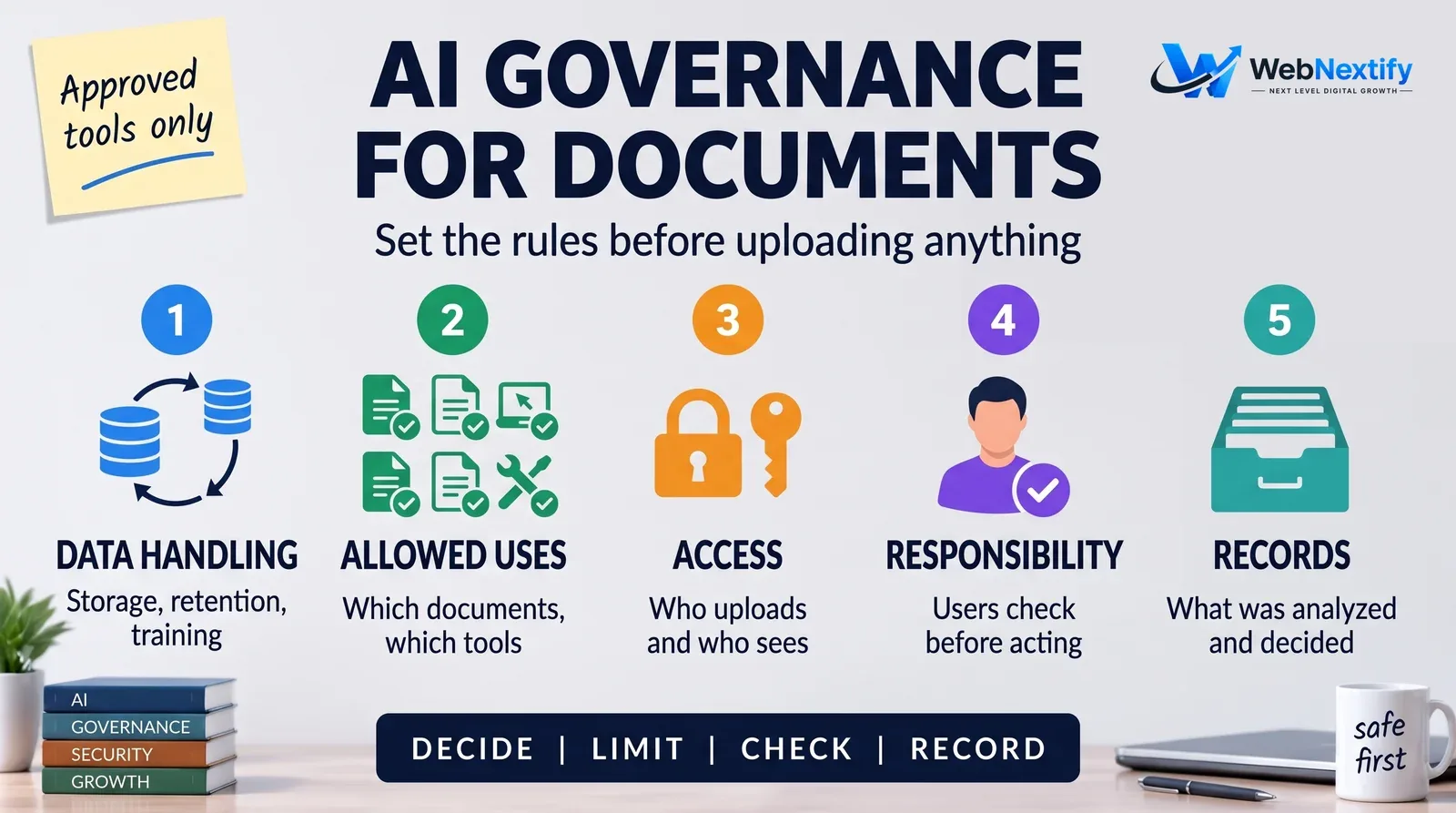
Business documents are often confidential, so set the rules before anyone uploads anything.
Data handling comes first. Know where documents are processed and stored, how long they're kept, and whether the provider trains its models on them. Many business plans let you keep data out of training, but read the terms of the plan you're actually on. Then decide what goes where: many firms allow client contracts and personal data only in approved business tools, never a free chatbot. Limit who can upload and who can see results, particularly for HR, legal and financial files. Make it explicit that whoever uses the AI is responsible for checking its output before acting on it, and keep a simple log of what was analyzed and what was decided.
One newer risk deserves its own line. Files from customers, suppliers or the web can contain hidden instructions aimed at the AI, such as white text telling the assistant to approve an invoice or forward data elsewhere. This is called prompt injection. It matters most when the AI can take actions, like sending emails or updating records, so keep a person between the AI's reading and any action on documents you didn't write yourself.
A short written policy and a short list of approved tools prevent most problems. For a fuller structure, the free NIST AI Risk Management Framework is voluntary and written for organizations of any size, and its approach of mapping, measuring and managing risk scales down well to a team of ten. Our guide to AI governance covers rules that fit how a business actually works.
Choosing a Tool
Options run from general AI assistants with document upload, to features built into your accounting, CRM or contract software, to custom systems connected to your own document storage. Judge them on accuracy with your own sample documents, whether answers cite the source text, data and training settings, how well they connect to where your documents already live, and the cost at your real volume.
Start with the most painful repetitive document task you have, measure the time saved for a month, and only then expand.
Get Help Setting It Up
If you'd like help choosing a document AI setup, connecting it to your systems and writing the governance rules around it, see our AI chatbot and automation services and our guide to AI business solutions.
Frequently Asked Questions
What is AI business document analysis?
Is AI accurate at reading contracts?
Can AI extract contact details from emails and documents?
Is it safe to upload business documents to AI tools?
What should an AI document governance policy include?
Can a document trick an AI tool?
Where should a small business start with document AI?
Summary
Use AI to read faster, not to decide for you. Ask specific questions, insist on references to the source text and test on documents you already know. Put simple governance rules in place before a single confidential file goes anywhere near an AI tool.